Table of Contents
NAICS Code Lookup Made Simple: Instantly Classify Any Business
You’re registering an LLC and the form stops you cold: “Enter your NAICS code.” You sell mobile coffee catering at events. Are you a restaurant, a caterer, or a mobile food service? The wrong pick can create headaches later, but the page you’re on doesn’t explain much. You just need a clear, confident answer now.
That’s why a reliable naics code lookup matters. Your NAICS code shows up on state and federal forms, tax filings, grant and contract applications, and even in market research databases. Pick the code that fits your core activity and doors open smoothly. Pick a near-miss and you can trigger mismatched requirements, delay approvals, or skew your own internal reporting.
Traditional lookup tools make this harder than it needs to be. You type a keyword and get a laundry list of similar results. The titles sound alike. The hierarchy feels cryptic. Some tools charge per match and don’t scale, which is painful if you’re classifying dozens or thousands of records.
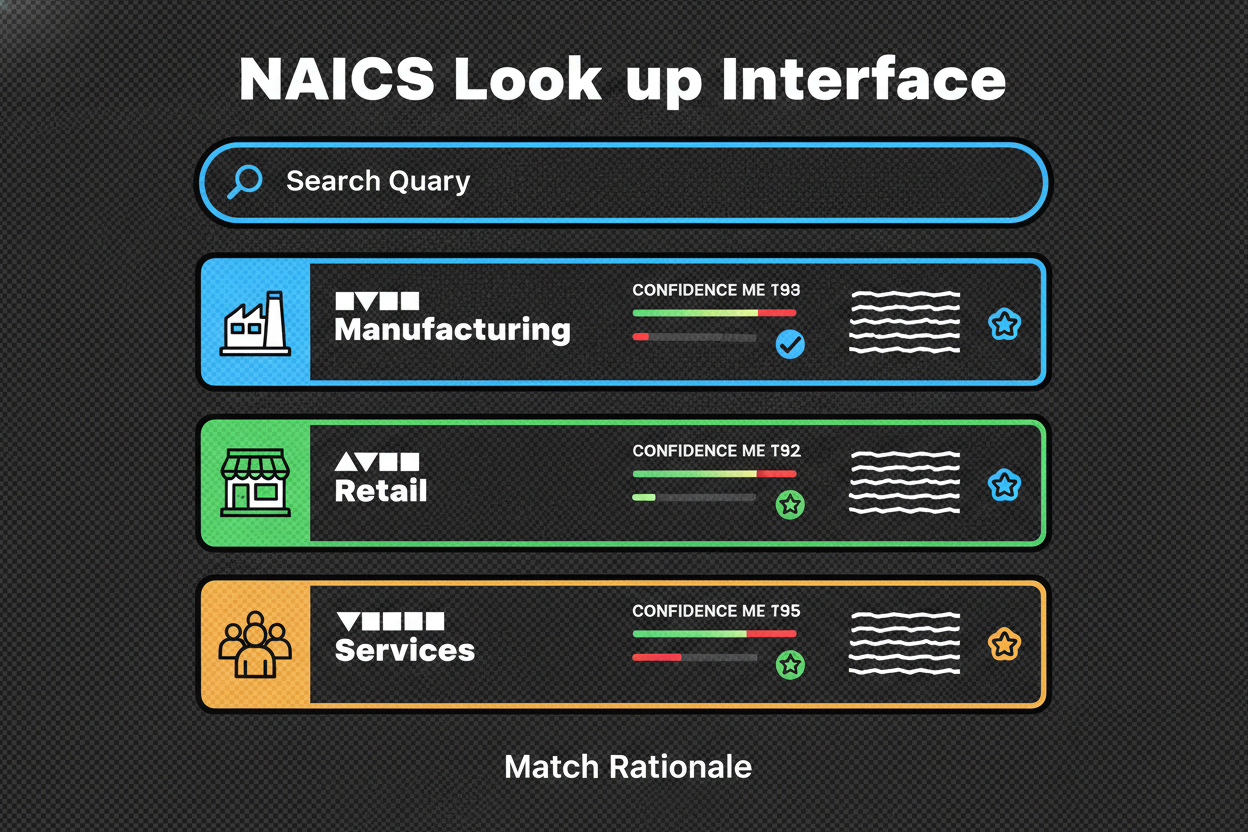
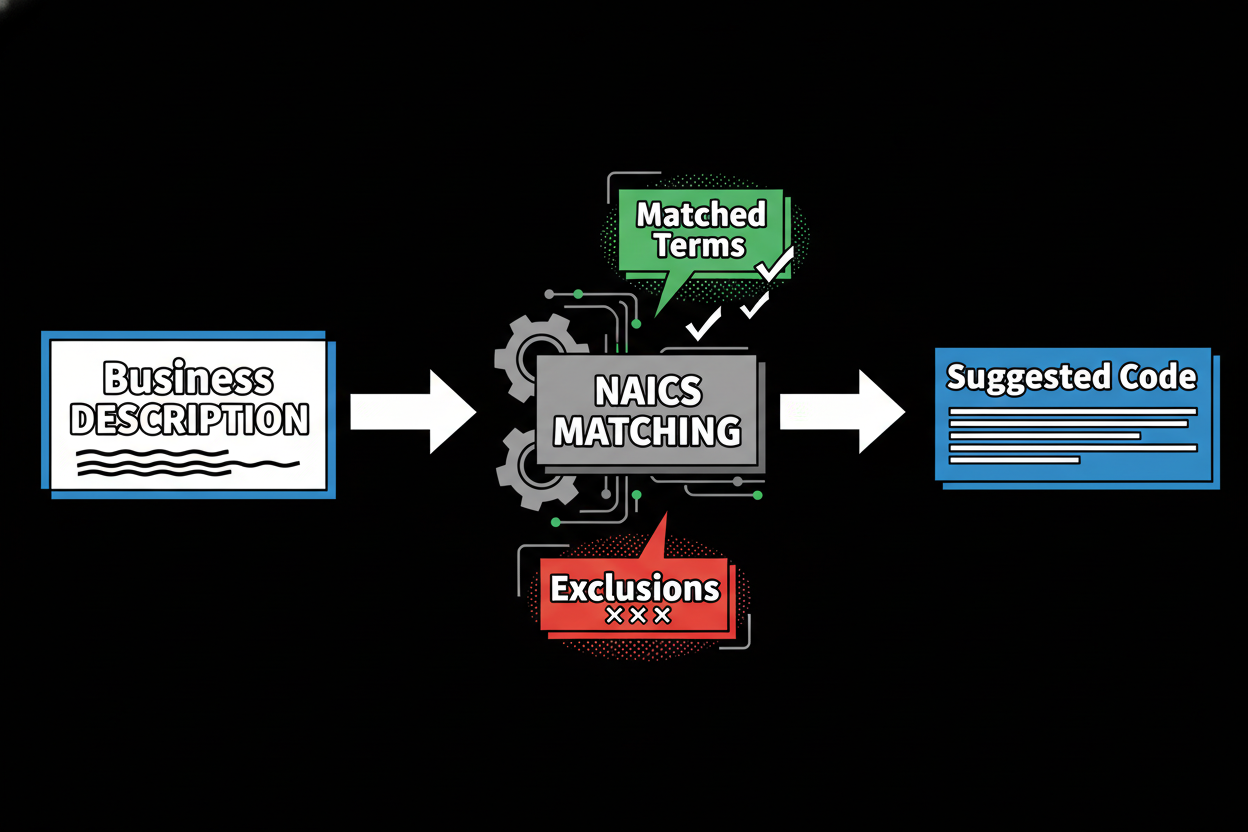
Our approach keeps it simple and precise. Instead of relying only on keywords, the tool uses semantic embeddings to understand meaning. If you describe “mobile coffee cart catering for events,” it grasps that this is closer to catering or mobile food services than a sit-down restaurant. You get confidence-scored candidates and a short “why this match” rationale that shows matched terms and exclusions in plain language.
You can run a single lookup, upload a list for bulk classification, or integrate via API. There are no per-match fees, so scale is practical. And if your team needs oversight, you’ll appreciate review queues, assignable approvals, and audit logs that make human-in-the-loop governance straightforward.
Here’s what you can expect when you use this naics code lookup:
- Get accurate, semantic matches that go beyond keywords
- See confidence scores with short, transparent rationales
- Compare adjacent codes side by side before deciding
- Classify at scale with bulk CSV and a clean API
- Avoid surprise costs with predictable, no per-match fees
If you’ve ever wondered, “How do I find the right NAICS code without second-guessing it?”, you’re in the right place. You’ll learn what NAICS codes are, how the hierarchy works, and how to use modern matching to pick the best code. Then you can find your NAICS code and move on with confidence.
Understanding NAICS Codes: The Foundation of Business Classification
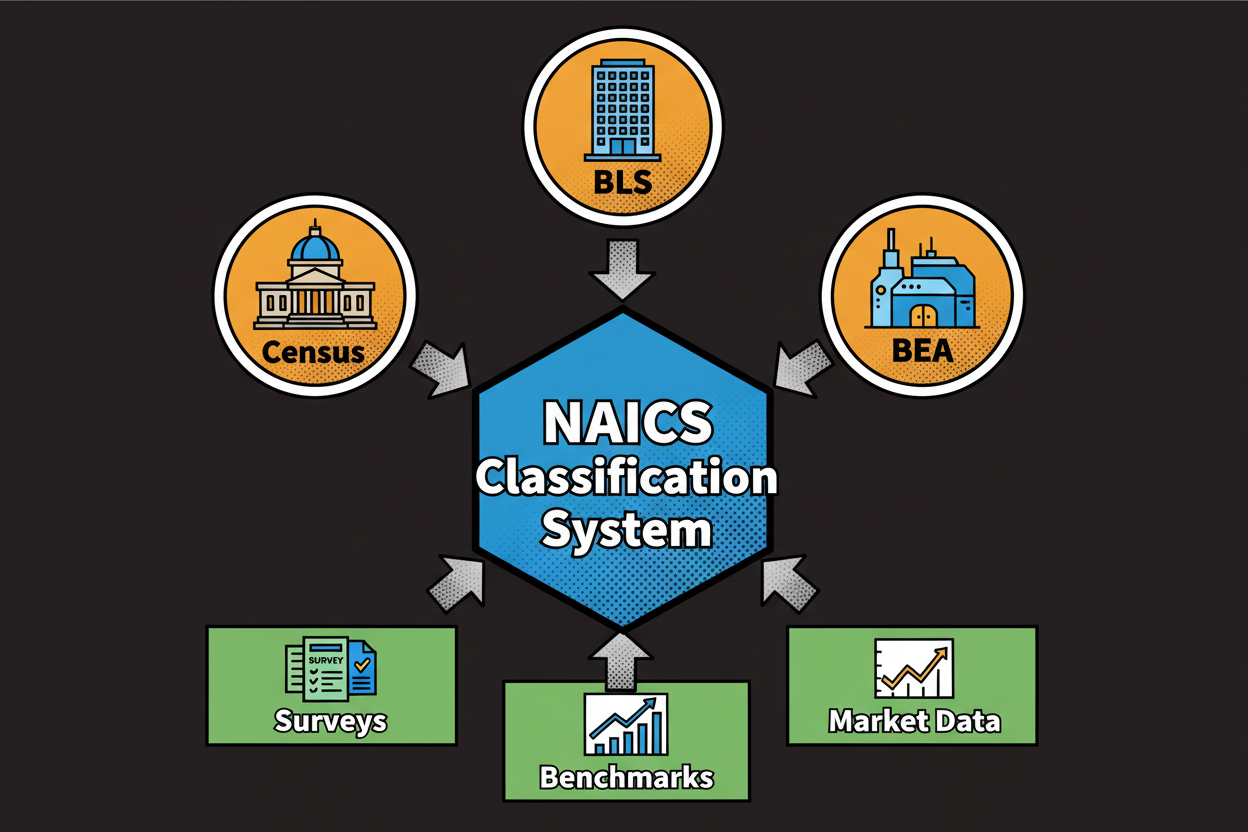
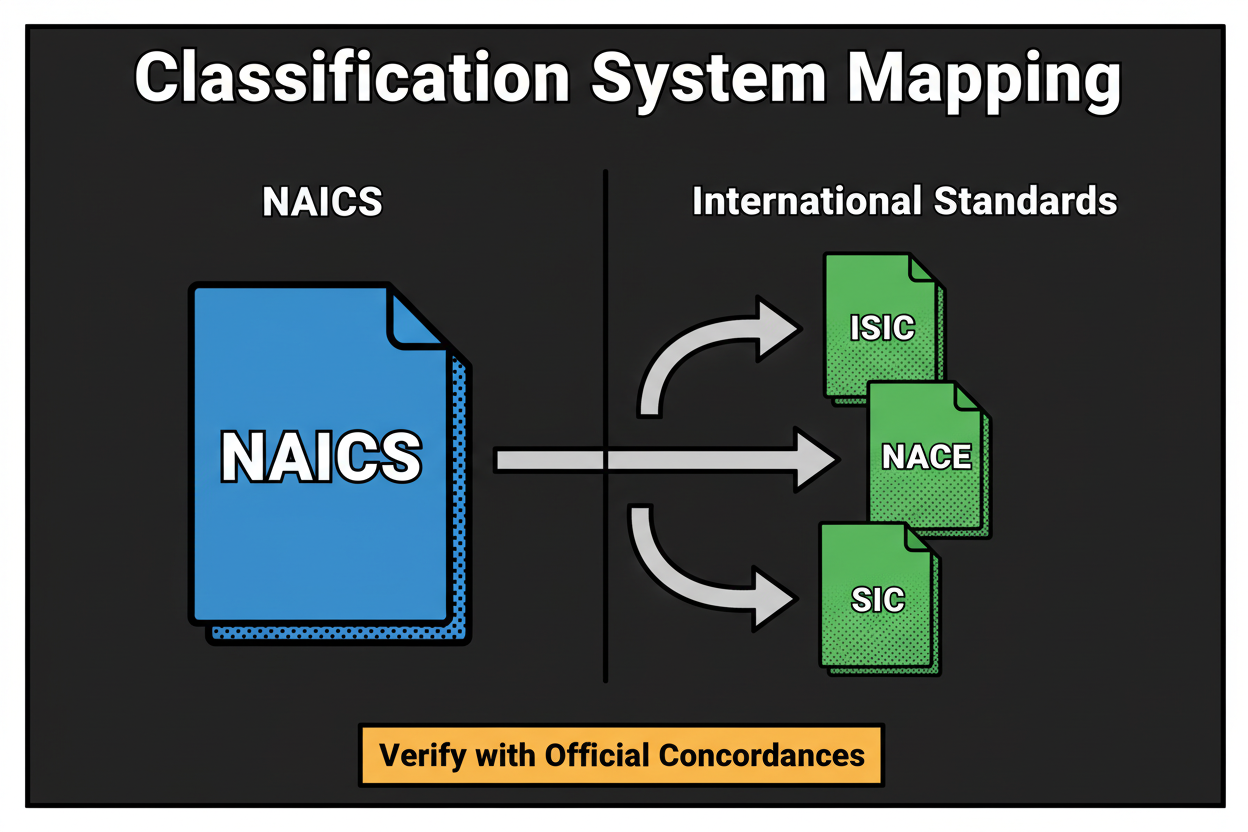
NAICS is a standardized business classification system used to group organizations by their main economic activity. Think of it as a common language for how businesses operate. Agencies, lenders, and researchers use it to align forms, taxes, programs, and datasets around consistent categories. You use it to signal what you primarily do.
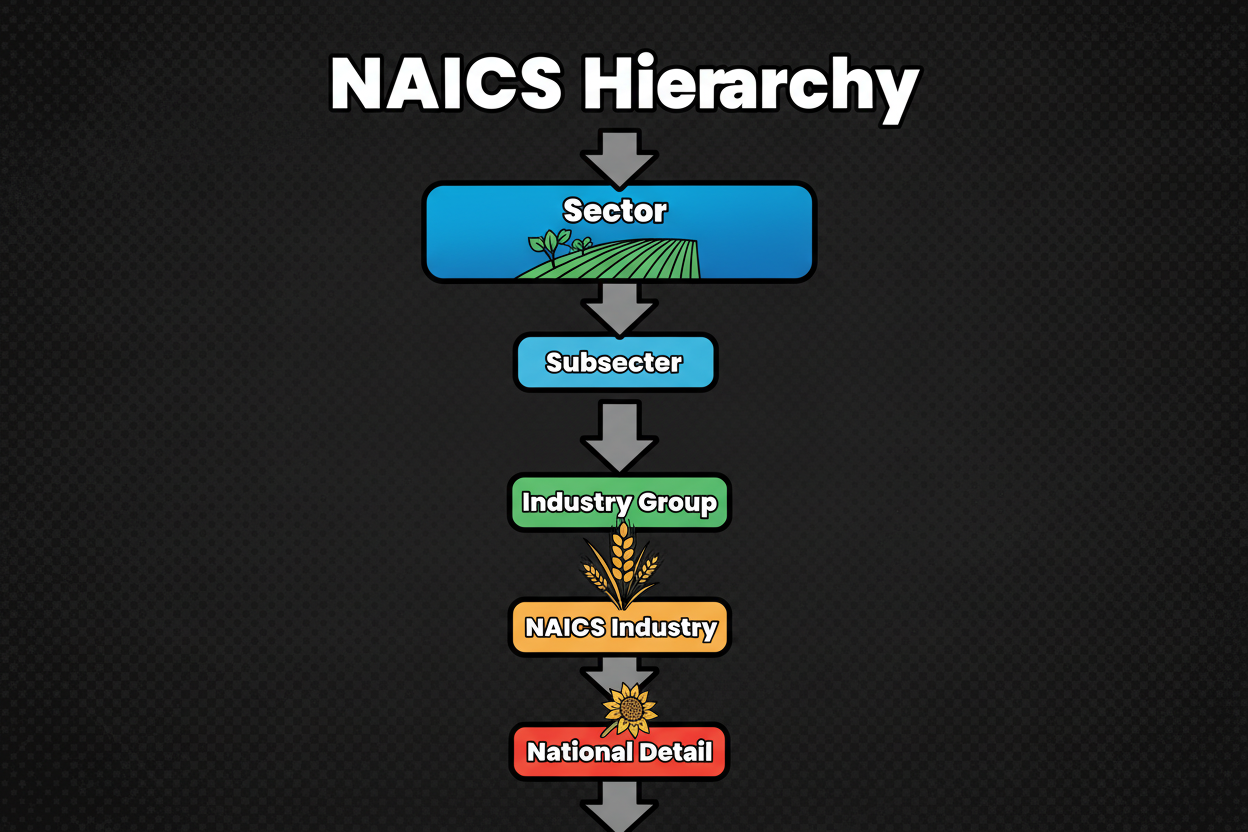
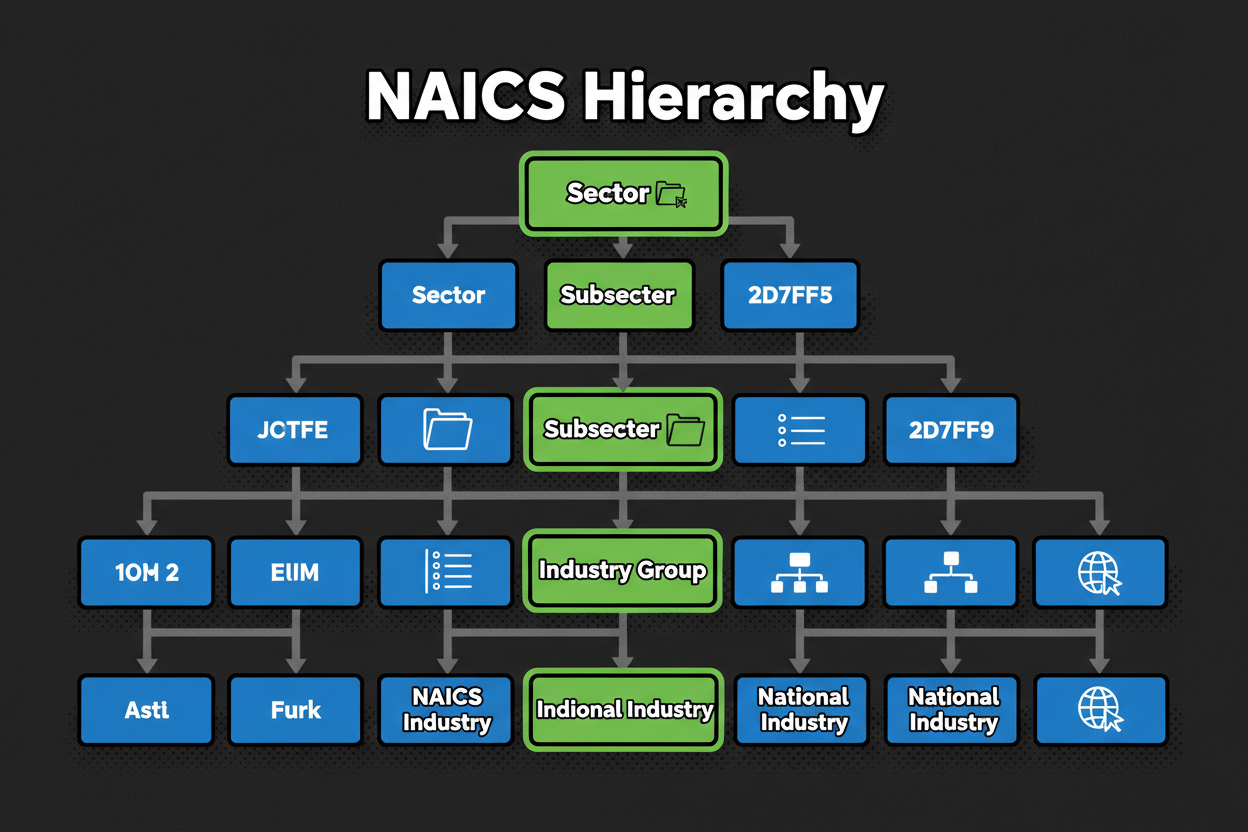
NAICS codes follow a hierarchy. Each digit adds more detail, moving from broad sector to specific industry. A common example you’ll see in consulting is 541611, which stands for Administrative Management and General Management Consulting Services. Here’s how the breadcrumb unfolds as you drill down in meaning: 54 → 541 → 5416 → 541611.
At the 2-digit level, 54 represents Professional, Scientific, and Technical Services. This sets the high-level context. At the 3-digit level, 541 narrows to professional, scientific, and technical services as a subsector. The 4-digit level, 5416, points to Management, Scientific, and Technical Consulting Services, which filters to advisory work. Finally, 541611 specifies general management consulting, a focused slice of consulting activity.
Getting that hierarchy right matters. Suppose you run an ecommerce jewelry brand. Your core is online retail, product photography, and customer service. If you grab a code that sounds close but isn’t – like jewelry manufacturing – you signal you primarily fabricate jewelry instead of selling it online. That can cause misalignment with lenders, push you into the wrong reporting bucket, or lead to missed grant opportunities designed for retailers. Pick the correct retail code, and everything from tax treatment to market comps lines up with your real business model.
This is where modern tools stand apart from keyword-only search. They interpret your description, suggest confidence-scored candidates, and let you explore adjacent codes that are close in meaning. You can open the hierarchy to verify the sector and drill down until the description matches your core activity. And when two codes look similar, side-by-side comparisons help you choose with clarity.
Here’s a clear snapshot of traditional versus modern lookup:
| Traditional NAICS lookup |
Modern AI-powered lookup |
| Input handling: keywords only |
Input handling: business description + website |
| Synonyms and intent: exact match |
Synonyms and intent: semantic understanding |
| Explainability: none |
Explainability: “why this match” rationale |
| Confidence and thresholds: absent |
Confidence and thresholds: 0-100 score with action bands |
| Adjacent codes exploration: manual |
Adjacent codes exploration: guided comparison |
| Scale: one-by-one |
Scale: bulk CSV/API with webhooks |
| Cost model: per-match fees |
Cost model: predictable pricing |
| Quality governance: ad hoc |
Quality governance: review queues, audit logs |
You might be wondering where NAICS shows up in your day to day. You’ll see it in business registrations and licensing, tax returns, government forms, grants and contracting programs, and market research or competitor analysis. It’s a simple code with wide impact.
- Use it for registrations and licensing workflows
- Include it on tax filings and related documentation
- Complete government forms and eligibility checks
- Apply for grants and contracts with accurate classification
- Run market research and competitor mapping by industry
One last point on precision. Even seasoned pros can get stuck between two close codes, especially when a business offers more than one service. Confidence-scored candidates and guided adjacent code comparisons help you break the tie. Confirm the hierarchy fits your primary revenue stream, read the short rationale, and choose the code that tells the most accurate story of what you do.
Up next, you’ll see how to put this into practice in the tool – from a single search to bulk uploads and API integrations – so you can make confident, consistent selections at any scale.
How to Use the NAICS Code Lookup Tool for Fast, Accurate Results
You now understand how NAICS hierarchy works. Let’s put it into action. Here’s how to use the naics code lookup to go from a plain description to a confident, defensible code in minutes.
Start with a single lookup. Type a short description of what you do or your company name. If you have a website, add it. The tool reads your text and, if provided, skims high-signal parts of your homepage to add context like your tagline and H1.
Results appear as the top 3 candidates with codes, titles, and confidence scores. Each suggestion has a short “why this match” rationale that highlights matched terms and any exclusions. This is where you quickly see why a code fits and which nearby codes were rejected.
Use the adjacent code comparison to inspect close neighbors. Open the hierarchy breadcrumb to confirm sector alignment. If you’re torn, read the brief descriptions and choose the code that reflects your primary revenue stream, not a side activity. Then save it as your primary code and export for your forms. If you want a second opinion, send the result to a teammate for quick review.
So how does it make these suggestions? Behind the scenes, the lookup uses semantic embeddings. Think of embeddings as plotting meanings on a map. “Mobile coffee cart catering for events” lands near catering and mobile food services on that map, even without exact keyword matches. That’s why semantic matching outperforms simple keyword search for nuanced business descriptions.
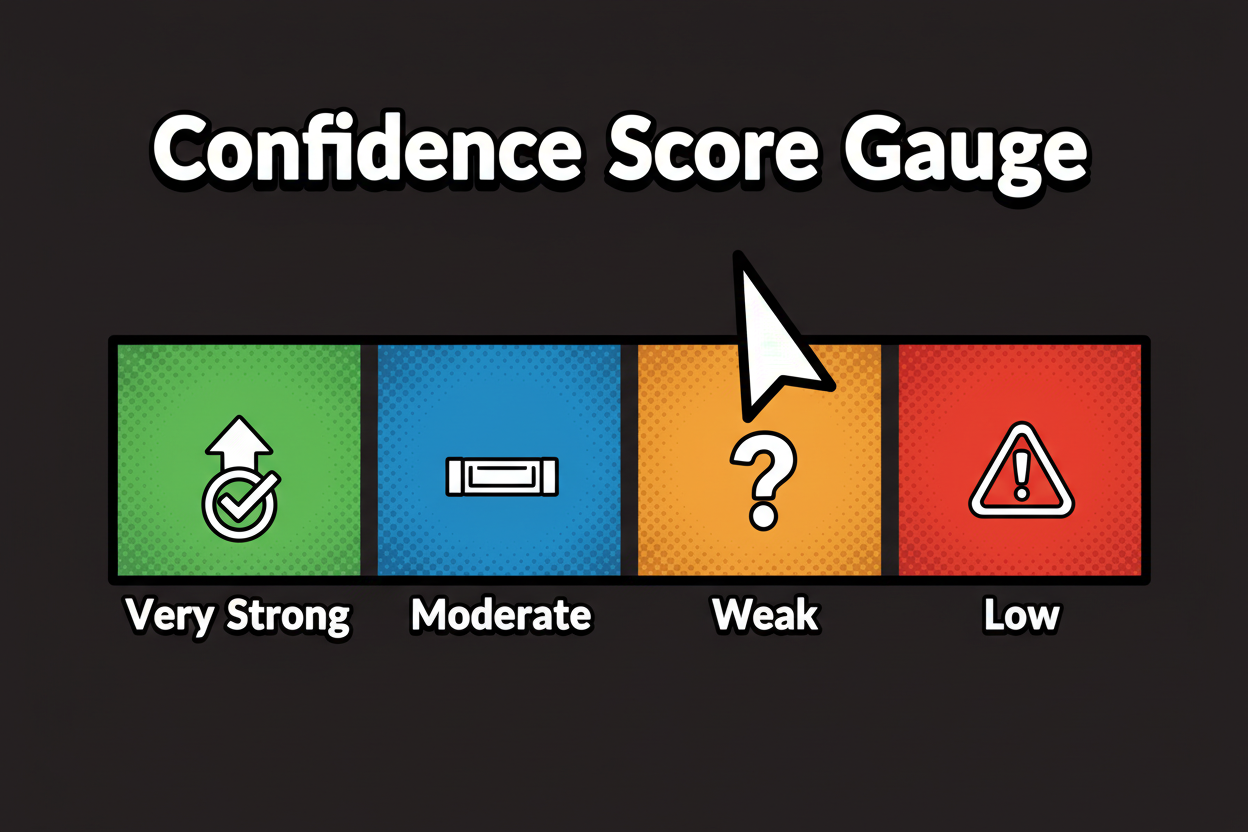
Your score blends multiple signals for accuracy. We combine the embedding similarity with keyword coverage, subtract negative signals that hint at close-but-wrong categories, and optionally include website context. The result is a confidence score from 0 to 100 with clear action bands:
- 90-100 very strong – safe to accept and export
- 75-89 strong – accept or quick review if stakes are high
- 60-74 moderate – verify hierarchy and compare adjacent codes
- Below 60 low – add more detail or ask a specialist to review
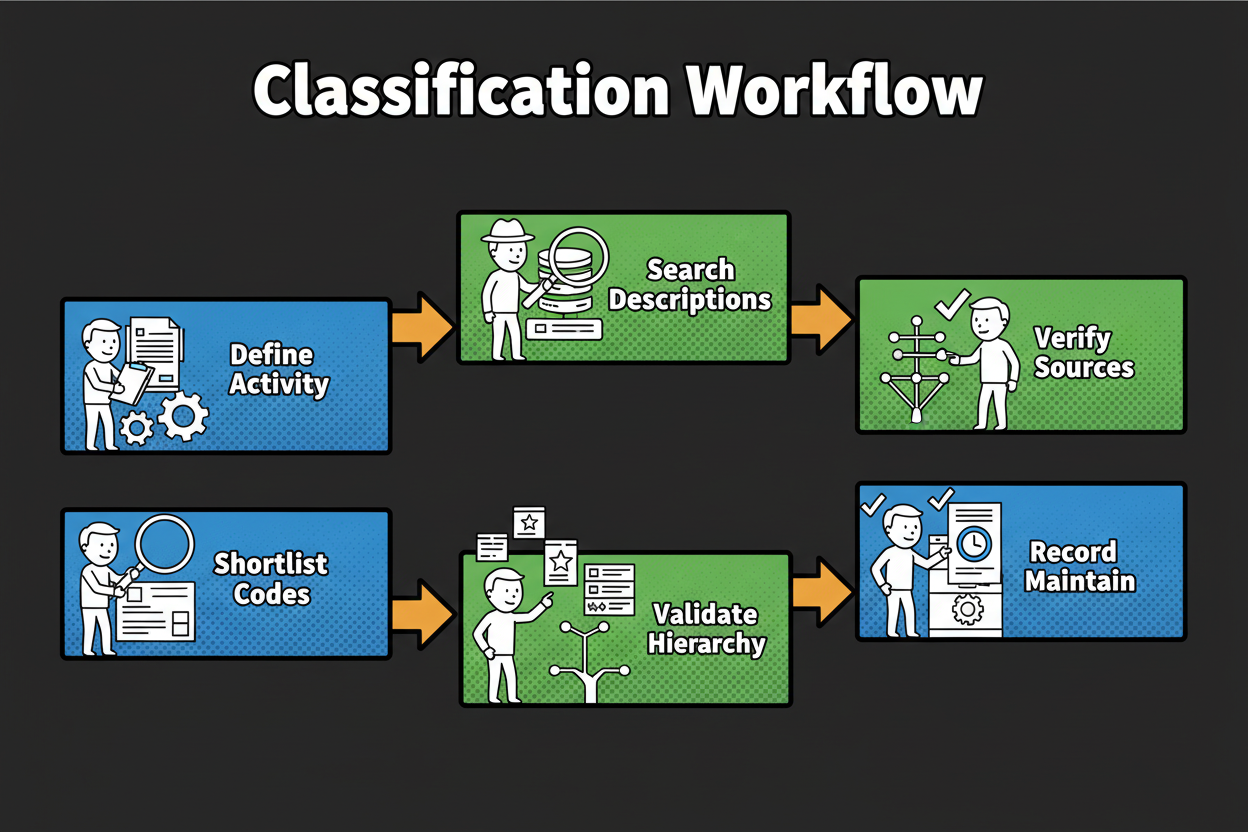
Here is the quick path that many users follow for a fast win.
How do I find the right NAICS code for my business?
1) Describe what you do in one or two plain sentences.
2) Enter your description or company name into the lookup.
3) Compare the top 3 codes and their confidence scores.
4) Open the hierarchy and confirm the sector fits your core activity.
5) Pick the primary code, save it, and export for your forms.
6) If confidence is low, add more detail or compare adjacent codes.
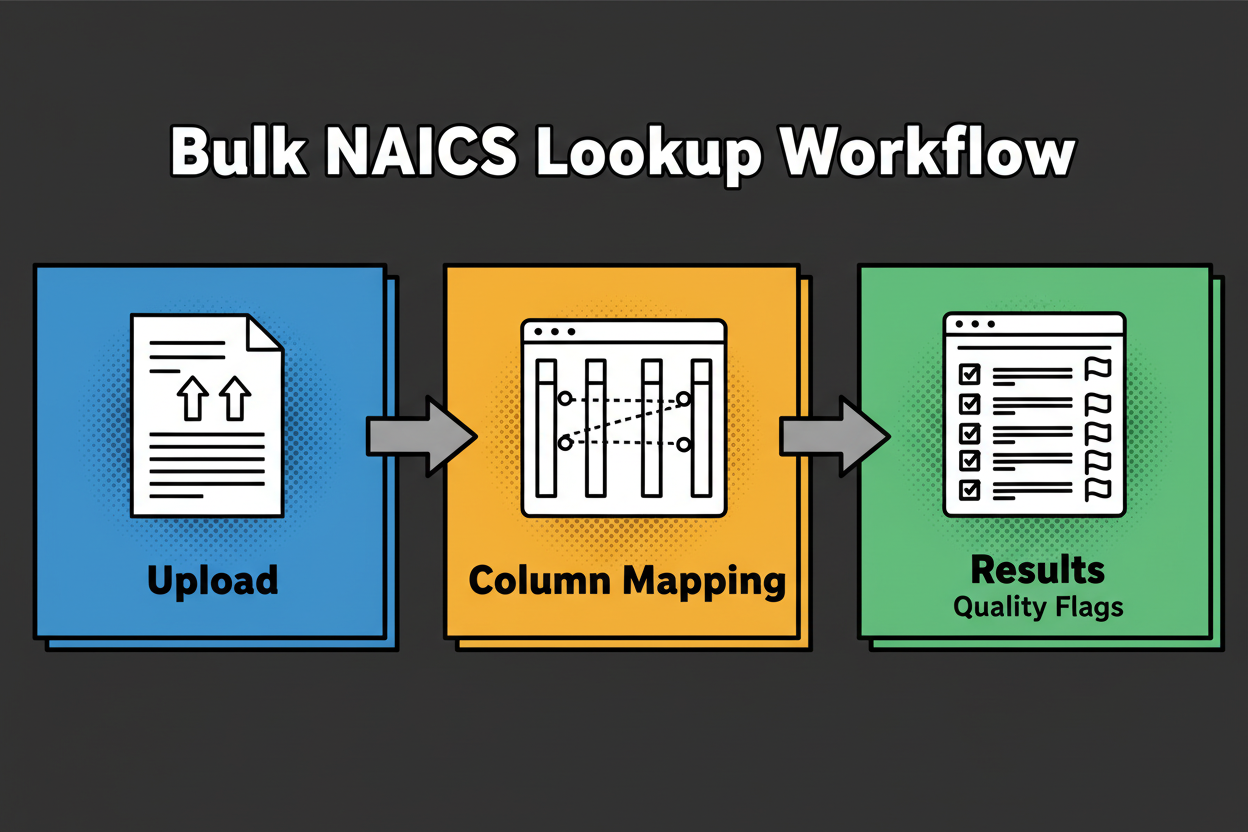
When you need to classify many records, switch to bulk. Upload a CSV or Excel file. Map your columns to the fields the tool expects, like description, company name, and website. You’ll see an instant validator for missing fields or malformed URLs, so you can fix issues before processing.
The batch runs in chunks, deduplicates by name and website, and applies the same scoring to each record. Results show proposed codes, confidence, and a short rationale. You’ll also see quality flags such as LowConfidence, AdjacentCodesClose, or NeedsReview. Filter by flags or set an approval threshold, for example accept everything at 85 and above, and route the rest to reviewers. Approvers can add notes and finalize the primary code per record. Then export approved-only results. No per-match fees means you can iterate without worrying about costs.
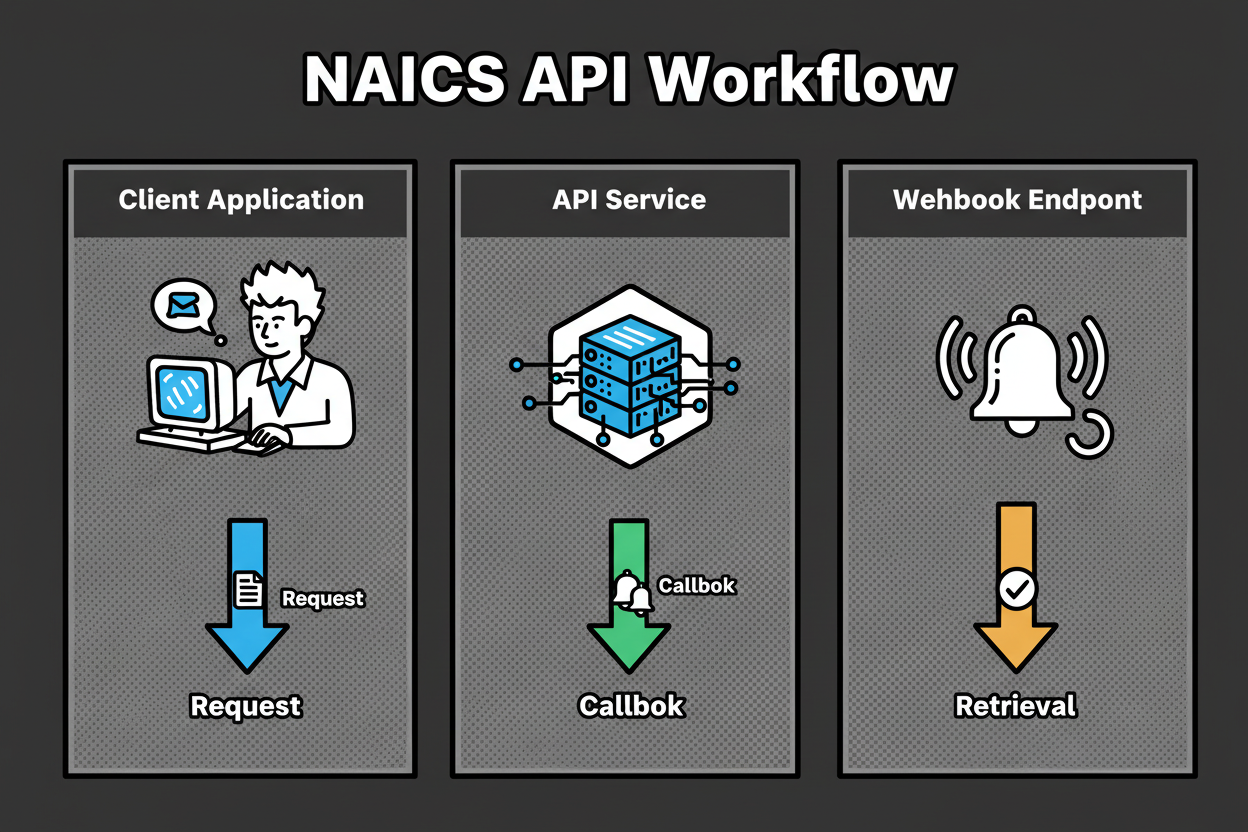
If you want to automate this inside your systems, use the API. Authenticate with a bearer token and call versioned endpoints for single or bulk lookup. Send a JSON payload that includes description, company name, website, and location if you have it. You’ll receive candidates with codes, titles, confidence scores, rationales, and hierarchy breadcrumbs. For bulk, submit a batch and provide a callback URL. Webhooks notify you as chunks complete, and you can fetch final results anytime. Use idempotency keys to safely retry requests, and rely on versioned endpoints to keep integrations stable as capabilities expand.
A few best practices make this fly. Describe your main activity in one to two sentences. Include the verbs that matter, like “manufactures,” “installs,” “resells,” “consults,” or “repairs.” Add your website to lift accuracy. For teams, set a confidence threshold that fits your risk level and route anything below to a review queue. If two codes look similar, open both hierarchies and pick the one that best aligns to your core revenue. Ready to move forward? Find your NAICS code and keep your registration or filing on track.
Use this quick verification checklist before you export:
- Does the sector and industry hierarchy align with your core activity?
- Is the description under the code consistent with what you mainly do?
- For multi-service businesses, is the chosen code tied to your primary revenue stream?
- Did you compare at least one adjacent code to avoid near-miss errors?
- Is your confidence score at or above your internal threshold (e.g., 80+)?
- Will regulators, lenders, or partners read this code as consistent with your documentation and website?
- Did you record your rationale and source for audit and repeatability?
Real-World Applications: Why Accurate NAICS Codes Matter
Accurate classification is not just a formality. It moves work forward across registrations and licensing. When your NAICS code matches what you actually do, filings are less likely to stall. Reviewers see consistent signals across your application, website, and documents.
It affects taxes too. Your code can influence how activities are interpreted for reporting. A near-miss can create confusing questions or extra back-and-forth. Get the right code and your filings are simpler to prepare and easier to defend.
Grants and contracts often filter by industry. If your code suggests a different focus than your project, eligibility checks can fail. With a precise match, your proposal lands in the right bucket, and your odds improve.
Compliance reporting and surveys also use NAICS. A clean, consistent code reduces rework later and keeps your internal metrics aligned to the market you actually serve. Your analysts will thank you.
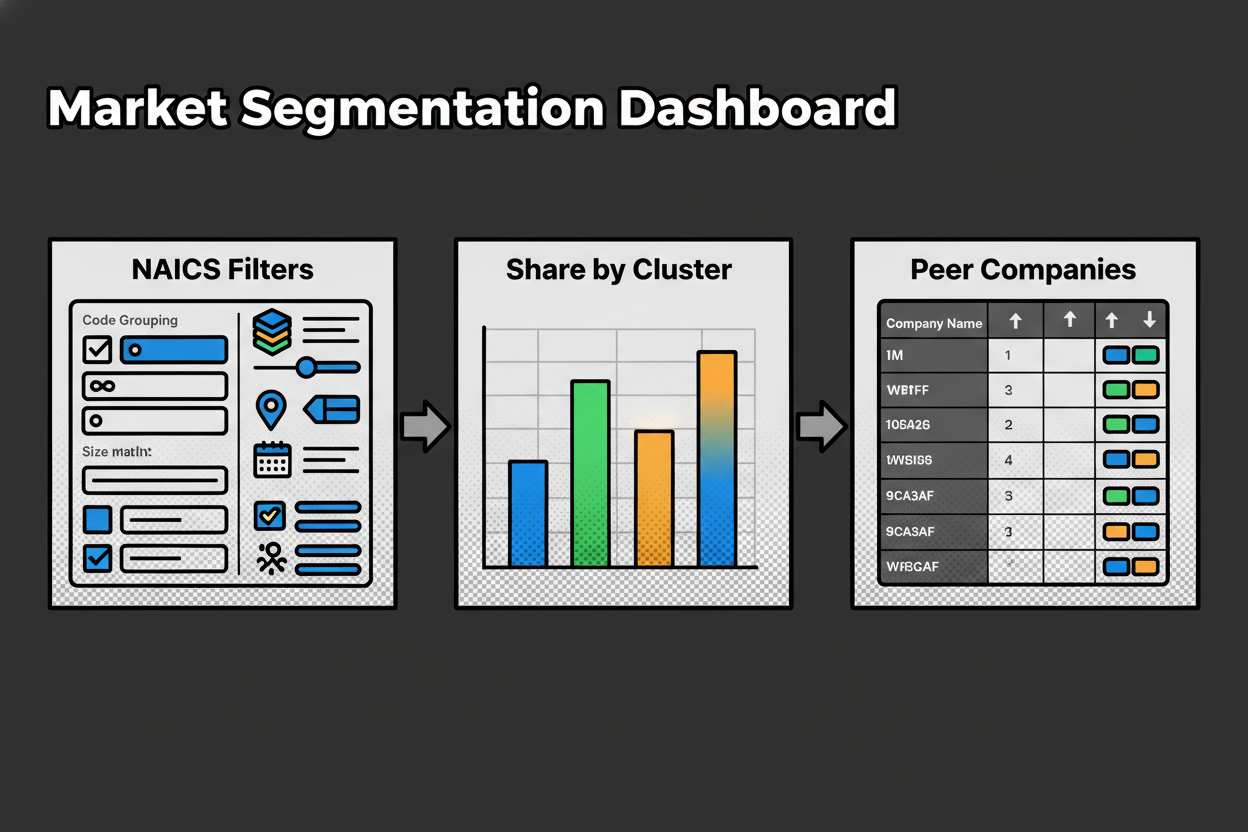
Market research gets better with the right classification. When your code is accurate, your peer set, competitive landscape, and growth benchmarks make sense. You can compare apples to apples instead of blending unlike businesses.
Here’s a simple case study. A regional facilities services firm described itself as “energy-efficient upgrades and ongoing building maintenance.” Initial results showed two top codes with close scores. One leaned toward general building maintenance. The other looked like specialized energy efficiency contracting. The confidence was moderate, around the low 70s. The team added the company’s website, which emphasized HVAC retrofits and commissioning. The rationale updated to highlight “retrofit, commissioning, energy performance contracts,” and the confidence jumped above 90. They selected the specialized contracting code, attached the rationale to their internal record, and submitted their registration. Licensing cleared without follow-up questions, and the firm later qualified cleanly for an energy-focused procurement that matched the selected code.
Want to avoid common mistakes? Keep this tight list in mind:
- Writing a vague description: Add verbs and outcomes, like “installs solar panels” instead of “solar.”
- Choosing a code for a side activity: Anchor on your primary revenue stream, not a secondary service.
- Ignoring the hierarchy: Open the breadcrumb and make sure the sector matches your core activity.
- Skipping adjacent code comparison: Compare near neighbors to avoid close-but-wrong selections.
- Over-trusting keywords: Use semantic description with context, not just a single noun.
- Accepting low confidence: If the score is below your threshold, add detail or request review.
- Not documenting rationale: Save the “why” so you can defend the choice later.
- Forgetting to revisit after a pivot: Re-check your code when your business model shifts.
Notice how the confidence bands guide action. Very strong or strong scores are usually safe to accept, especially when the hierarchy and rationale line up with your documents. Moderate scores should trigger the verification checklist and an adjacent code comparison. Low scores are a sign to add detail, include a website, or escalate to a human reviewer.
Use the naics code lookup to power all of this at scale. Single searches get you unstuck fast. Bulk uploads help teams classify thousands with review queues and audit trails. The API lets you embed consistent decisions in your systems. When you’re ready, find your NAICS code and move forward with clarity.
NAICS Code Lookup FAQ: Your Essential Questions Answered
You’ve seen how the tool works. Now let’s clear up the questions that come up most when you run a naics code lookup and want to get it right the first time.
How do I choose the right NAICS code if my business does more than one thing?
Choose the code that reflects your primary revenue stream. Regulators and lenders expect the code to match what you mainly do, not a side service. If you split revenue across lines, pick the activity that drives the largest share and list others as secondary.
Why this matters: Forms, eligibility, and market analyses assume the primary code tells your core story. A split focus can confuse that story if you pick a secondary activity.
Action: Write one or two sentences that describe your main offering, run the lookup, and select the highest-confidence code that matches your core revenue. Save secondary codes in your records for internal reporting if needed.
What if my description returns multiple high-confidence codes?
Compare the top 3 candidates and open each hierarchy. You’re looking for the sector and industry that best fit your business model. When two codes look close, read the “why this match” rationale and check which code excludes terms that don’t match you.
Why this matters: Adjacent codes can be separated by small but important differences, like reselling vs manufacturing or consulting vs implementation.
Action: Use the guided adjacent code comparison, verify the breadcrumb hierarchy, and pick the code that aligns with how you earn money and deliver value.
How does the tool calculate confidence scores and what do the bands mean?
Trust the score as a decision aid, not a black box. The tool blends several signals: semantic embeddings similarity (meaning on a map), keyword coverage, negative signals that push away from near-miss categories, and optional website context to ground the match.
Why this matters: Composite scoring reduces false positives and highlights when more info is needed.
Action: Use bands to decide your next step:
- 90-100 very strong: accept and export.
- 75-89 strong: accept or quick review for high-stakes filings.
- 60-74 moderate: verify hierarchy, compare neighbors, add detail.
- Below 60 low: provide more context or escalate for review.
Can I find a NAICS code by business description, not just keywords?
Yes. Enter a plain-language description of what you do. Semantic embeddings map your meaning to codes, even if you don’t use the exact NAICS wording.
Why this matters: Real businesses describe themselves with diverse phrases. Meaning-based matching captures intent and synonyms.
Action: Write one or two sentences with active verbs that describe your work, such as “installs HVAC systems for commercial buildings” or “sells handmade jewelry online,” and run the naics code lookup.
How can I run NAICS lookup for thousands of records?
Use bulk classification with a CSV or Excel upload, or integrate the API. Both options apply the same scoring and rationale at scale, and surface quality flags and review queues for governance.
Why this matters: Manual one-by-one work doesn’t scale and creates inconsistency across teams.
Action: Upload a file with columns like record_id, company_name, description, and website. Set an acceptance threshold (for example 85), auto-approve above the threshold, and route the rest to reviewers. If you prefer automation, use the API and webhooks to sync results into your systems.
What if my business changes focus over time?
Revisit your code when your primary revenue or delivery model changes. A shift from consulting to software, from reselling to manufacturing, or from local services to ecommerce can move you into a different industry group.
Why this matters: Outdated codes cause eligibility mismatches, reporting errors, and misleading benchmarks.
Action: Update your description, rerun the lookup, compare adjacent codes, and log your rationale and final decision for audit and consistency.
Can I access this via API and automate classification in my systems?
Absolutely. Use the versioned endpoints to send descriptions, names, and websites and receive candidates with codes, scores, rationale, and hierarchy. For batch jobs, submit a bulk request with a callback URL to get progress updates and results.
Why this matters: Automation keeps classifications current and consistent across CRMs, ERPs, and data warehouses.
Action: Implement the single-lookup endpoint for real-time forms and the bulk endpoint for data refreshes. Use idempotency keys for safe retries and webhooks for completion events.
What should I do if my confidence score is low or ambiguous?
Add context, compare neighbors, and tighten your description. Low scores signal that the system sees multiple plausible directions or lacks signal.
Why this matters: A little extra detail can move a result from moderate to very strong by clarifying intent.
Action: Try these quick fixes for low confidence:
- Include your website URL to add context
- Add key verbs like “manufactures,” “installs,” or “resells”
- Specify your channel, such as “online retail” or “wholesale”
- Clarify audience, for example “commercial” vs “residential”
- Compare at least one adjacent code and read the rationale
- Remove terms that might imply a different industry
Behind the scenes, embeddings place your description on a meaning map next to NAICS definitions, then composite scoring weighs overlapping keywords, penalizes close-but-wrong signals, and pulls in optional website context. The score tells you how tight that match is and what action to take. Use the hierarchy and rationale to confirm you’re telling the right story about your business before you export.
Get Started with Accurate NAICS Code Lookup Today
Accurate classification saves time, prevents rework, and keeps your filings and applications moving. With an AI-powered naics code lookup that understands meaning, you get fast suggestions, confidence-scored results, and plain-language rationales. Whether you’re running a single query, processing thousands in bulk, or automating via API, you get consistent, scalable outcomes without per-match fees.
Here’s what this looks like in practice. A mobile medical testing provider described “on-site lab screening for employers.” Initial results showed two strong codes, one for medical labs and one for on-site screening services. Confidence was strong but not definitive. They added their website, which emphasized employer contracts and mobile units. The rationale highlighted “on-site employer screening, mobile units, occupational health,” the confidence moved into very strong, and they selected the services code. Their registration cleared quickly, and a contract they were pursuing aligned perfectly with the chosen code.
Ready to act? Find your NAICS code, Upload a CSV, Get API access, and Talk to an expert if your use case is complex. The goal is simple: make the right choice once and use it confidently everywhere you need it.
- Speed with confidence: get a defensible code in minutes
- Scale without surprises: bulk and API, no per-match fees
- Clear decisions: rationale, hierarchy, and confidence bands
- Built for teams: review queues and audit logs for governance
Choose accuracy now so your forms, filings, and growth plans stay on track. When your classification matches your business model, everything else flows easier.
Key Takeaways
- Describe your core activity in one or two sentences and run the lookup for a fast, high-confidence match.
- Use confidence bands and the hierarchy breadcrumb to confirm the sector fits your business model.
- For multi-service companies, select the code tied to your primary revenue stream and document the rationale.
- Scale classification with bulk uploads or the API and set review thresholds to govern quality.
- Revisit your code when your business focus changes to keep filings and eligibility aligned.