Table of Contents
Unlock Instant NAICS Code Classification for Any Business
You need a NAICS code for a form, a grant, or a vendor setup. After ten tabs and conflicting lists, you still aren’t sure which one fits. Classifast turns that guesswork into a 10-second, confidence-ranked answer.
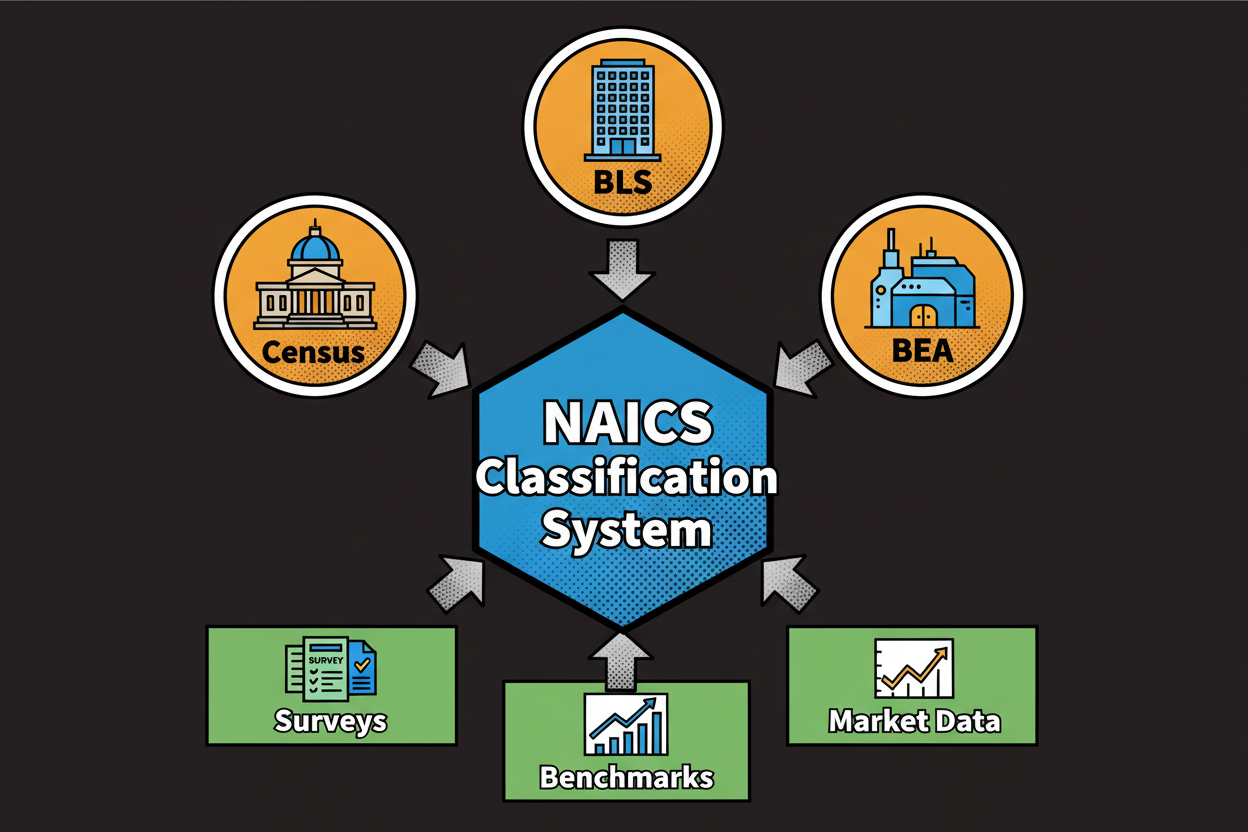
NAICS is the North American Industry Classification System. It groups businesses by their main economic activity so agencies, banks, and researchers can understand what you do. You’ll see NAICS codes requested on registrations, tax forms, RFPs, grant applications, and market research surveys.
Here’s the catch. NAICS classification feels simple until it isn’t. Job titles are ambiguous, industries overlap, and many lists you find online are incomplete or outdated. If your business does more than one thing, the choice gets fuzzy fast.
What usually goes wrong? People search by a brand name or job title, not the actual activity. They scan a wall of codes that all sound close. They pick something that looks familiar and hope for the best. It’s common for businesses to misclassify themselves [to validate]. And that leads to delays, rejections, or bad data in your reports.
Classifast fixes this by matching the meaning of your description to the right industry activities. You write what you do in your own words. The tool returns a short list of NAICS recommendations, ranked by confidence, with a clear “why this matches” explanation. You also get related industries so you can see close neighbors and validate your final choice.
Let’s make it concrete with a bakery example. You run a neighborhood bakery. You bake croissants and bread in-house. You sell in-store. You also run an online storefront with delivery on weekends. Are you retail, manufacturing, or e-commerce?
With manual lookup, you’ll see similar sounding codes for retail bakeries, commercial bakeries, and electronic shopping. Which one wins? The right answer usually depends on your primary revenue driver. If most of your revenue comes from in-store sales, retail bakery is likely your primary. If you wholesale to grocers or produce at scale, a manufacturing code may fit. If most revenue now comes from online orders shipped to consumers, an e-commerce retail code may be more precise.
Classifast doesn’t guess. It looks for decisive signals in your text: verbs like bake vs. sell, channels like in-store vs. online, and scope hints like wholesale vs. retail. It then ranks the closest NAICS matches, shows confidence scores, and surfaces related industries so you can compare options side by side.
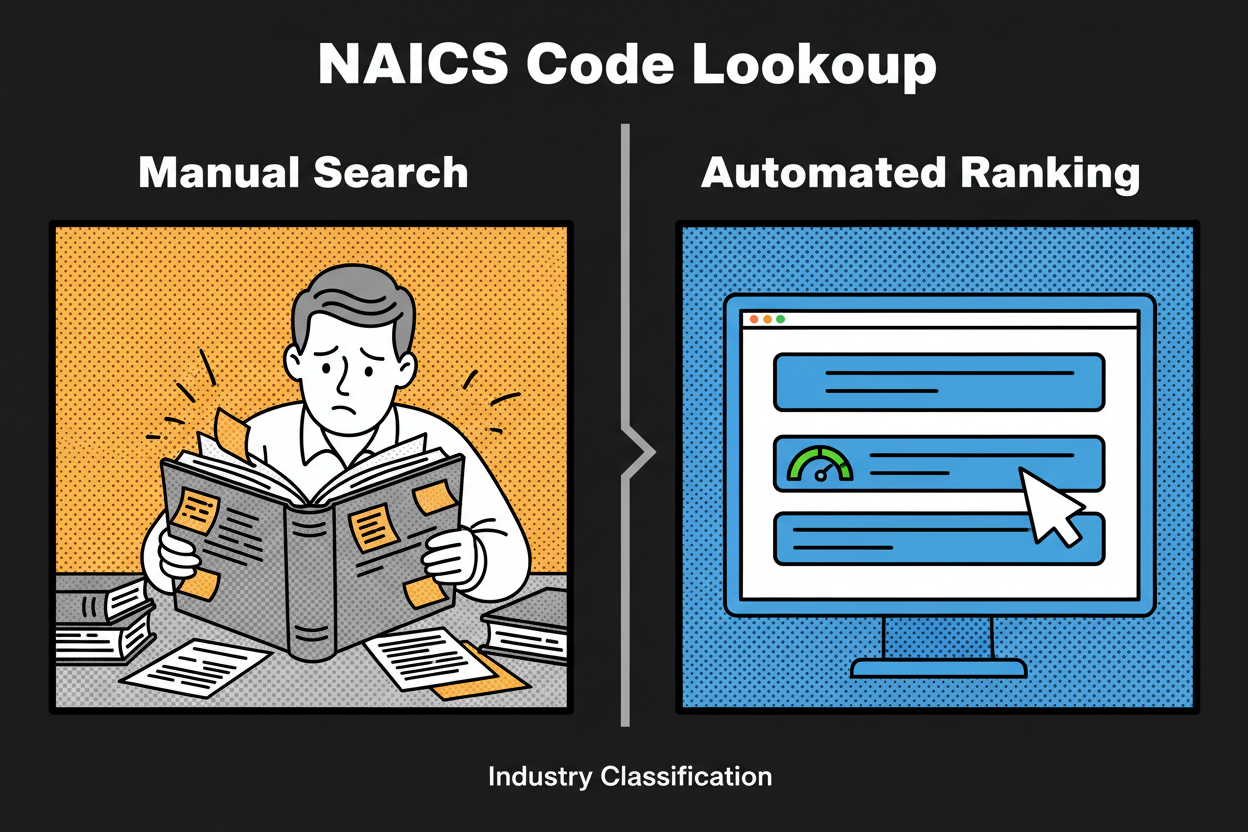
Traditional NAICS searches are keyword-only. They trip over synonyms like online storefront vs. e-commerce, install vs. manufacture, or fractional CMO vs. marketing consultant. Classifast uses semantic search to understand intent, not just words. So “online storefront” correctly maps to e-commerce retail, even when you never typed e-commerce.
On this page, you’ll do three things: find your NAICS code, understand why it fits, and learn how to validate it with confidence. You’ll see real examples across retail, services, and manufacturing. You’ll also get best practices for multi-activity businesses, where a primary code plus a few related industries is the smartest way to classify.
If your situation is complex, that’s fine. The tool is built for nuance. It shows how your words influence the match, explains close alternatives, and guides you to choose the code that reflects your main economic activity. You don’t need to memorize the taxonomy. You just need to describe what you do.
By the end of this guide, you’ll know how to write a crisp business description, how to read confidence rankings, and how to sanity-check your final pick against official descriptions and your revenue mix. And if your business evolves, you can re-run your description anytime to stay aligned with the work you actually do.
How the NAICS Code Identification Tool Works: Advanced Semantic Search Explained
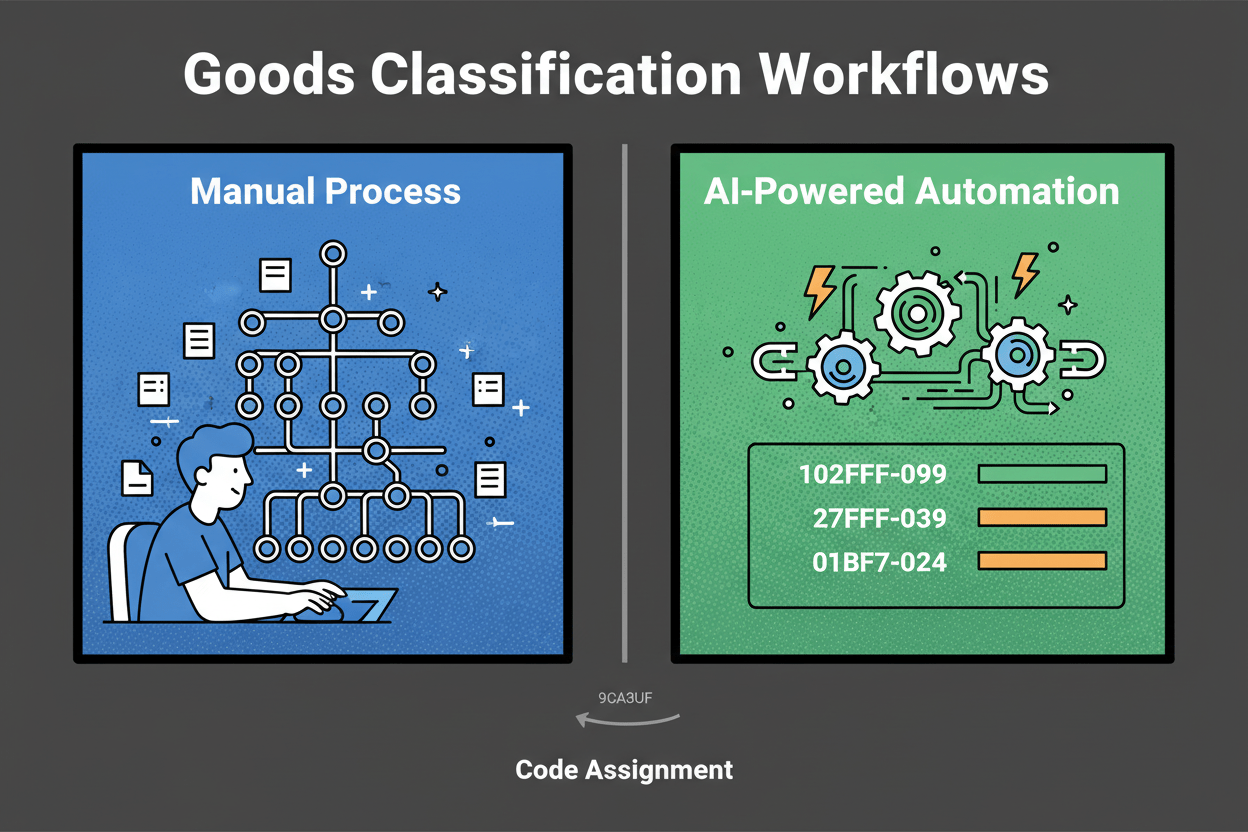
Most NAICS tools rely on keywords. That’s why they miss the mark when you say “we install solar panels” but the system fixates on “solar panels” and suggests manufacturing. Semantic search changes the game. It reads your description for meaning and intent, then finds the NAICS activities that best match that meaning, even if your wording is different.
Classifast covers the full NAICS taxonomy, including titles and descriptions. Every category is encoded so the tool can compare your words to the official language of each industry. You don’t need to know the exact code number or phrase. The tool meets you where you are and translates your description into the right industry classification.
Here’s how confidence ranking works in plain language. First, the tool calculates similarity between your description and each NAICS category using meaning-based scoring. Then it adjusts the order using tie-break signals that matter in real classification:
- Activity verbs: manufacture, assemble, install, repair, wholesale, retail, consult, manage.
- Revenue hints: “most revenue from X” weighs that activity more heavily.
- Customer type: B2B vs. B2C can tilt you toward wholesale vs. retail or consulting vs. consumer services.
- Channel: online vs. storefront vs. on-site helps separate e-commerce retail from brick-and-mortar retail or field services.
If you write “We install residential solar panels and handle permitting. We don’t manufacture panels,” the tool looks past the word solar. The verbs install and handle permitting point to trade contractors. The explicit “don’t manufacture” acts as a negative signal. The result is a high-confidence recommendation in specialized construction, with related industries like electrical contractors as neighbors.
Related industries are not throwaway suggestions. They’re your built-in validation set. If your top result is Retail Bakeries, Classifast also shows Commercial Bakeries and Electronic Shopping as close options. Each related industry comes with a short rationale like similar activity, different channel or produces in-house at scale. This helps you compare real-world differences without leaving the page.
A quick before-and-after illustrates the advantage of semantic intent over keywords:
- Before (manual keyword match): You type online storefront and see a list of retail store codes that refer to physical storefronts. You pick one and hope it’s close enough.
- After (semantic intent match): You write “We sell directly to consumers through our online store” and the tool maps that meaning to electronic shopping, ranking it above brick-and-mortar retail because of the channel signal.
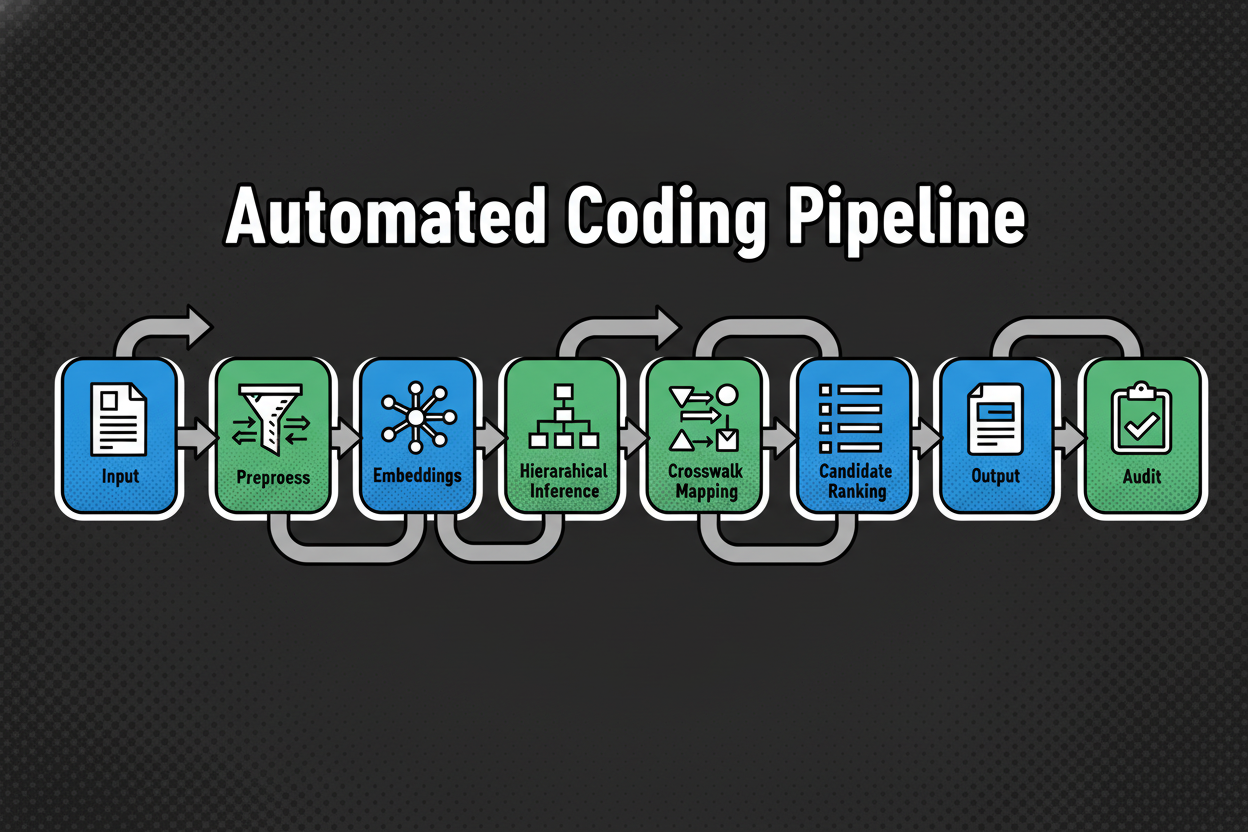
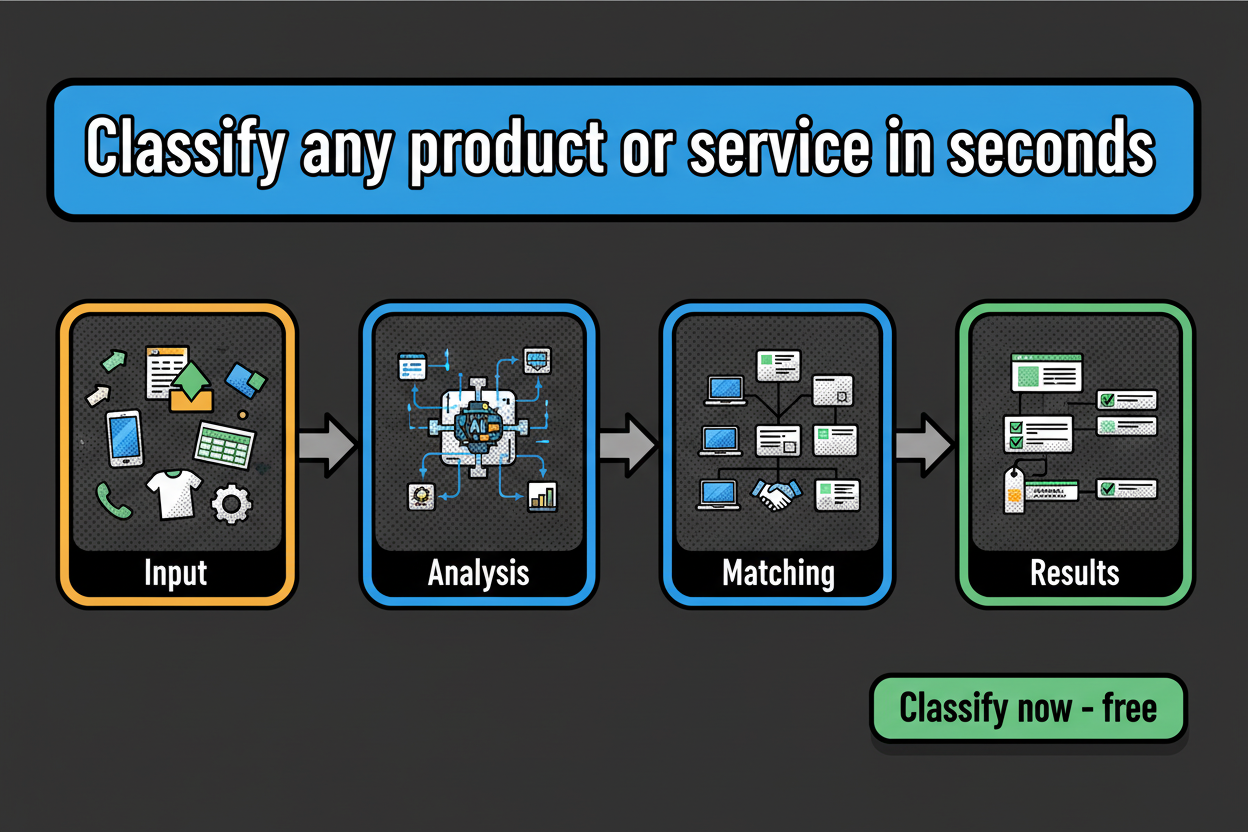
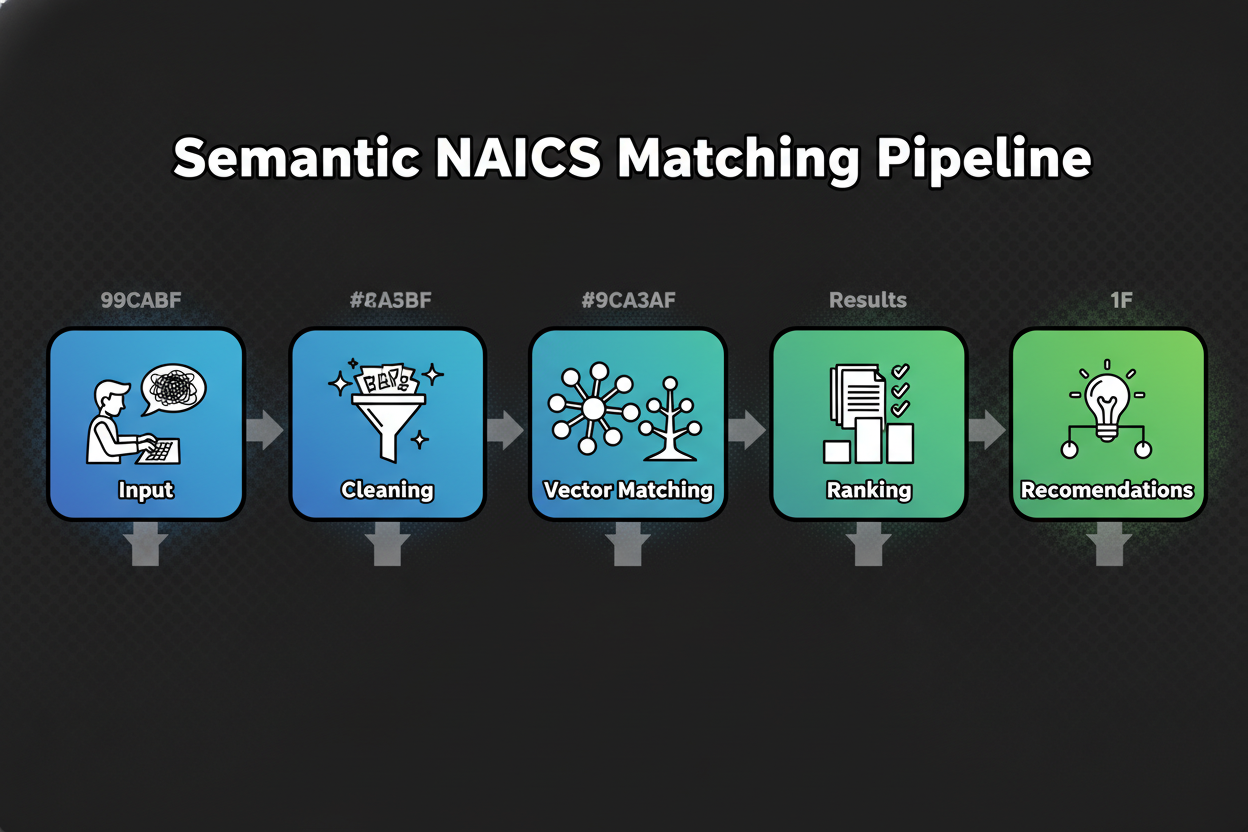
Under the hood, the process follows a clear pipeline that’s designed for accuracy and transparency:
- Input capture: you enter 1 to 3 sentences describing what you primarily do.
- Text normalization: the tool expands common abbreviations and cleans formatting so signals aren’t lost.
- Semantic encoding: your text and all NAICS descriptions are represented in a shared meaning space.
- Candidate retrieval: the system pulls the closest NAICS categories based on semantic similarity.
- Confidence ranking: it reorders candidates using decisive verbs, revenue hints, customer type, and channel.
- Related industries: it surfaces adjacent categories to help you compare edge cases.
- Validation prompts: it nudges you to confirm the final pick against your main revenue activity.
Privacy-by-design sits at the core of the experience. Your description is processed to return suggestions. The tool does not sell your text. Aggregated, anonymized usage data may be used to improve matching quality. You can revisit or revise your input at any time. For retention details and deletion options, see the privacy page noted in the product interface.
Let’s walk through a brief example so you can see the logic in action. Suppose you write: “We design, assemble, and sell custom gaming PCs on our website. Most revenue comes from building systems.” The verbs design and assemble, plus the phrase most revenue comes from building, push the result toward computer manufacturing. The channel on our website is noted, so electronic shopping appears as a related industry. If you change the description to “We resell branded PCs and accessories through our online store,” the verb resell and the phrase online store shift the top match to e-commerce retail, with manufacturing downgraded.
One more quick case. You enter: “Fractional CMO offering positioning, go-to-market plans, and campaign oversight for B2B startups.” The tool reads consulting and strategy verbs and the customer type B2B. It ranks marketing consulting services first, and shows management consulting as a close neighbor. If you instead mention ad buying and media placement, advertising-related categories move up.
You’ll see each recommendation with a confidence score and a short explanation of why it matches. That explanation points to the words that mattered, like install, wholesale, or subscription, along with channel and customer clues. It’s transparent and repeatable, which makes audits and internal approvals easier.
Ready to try it? In the next section, you’ll get a simple formula to describe your business, plus a step-by-step playbook to interpret results, resolve close calls, and validate your final NAICS classification with confidence.
Step-by-Step Guide: Using the Tool for Accurate Business Classification
Quick answer: How do I find the correct NAICS code for my business?
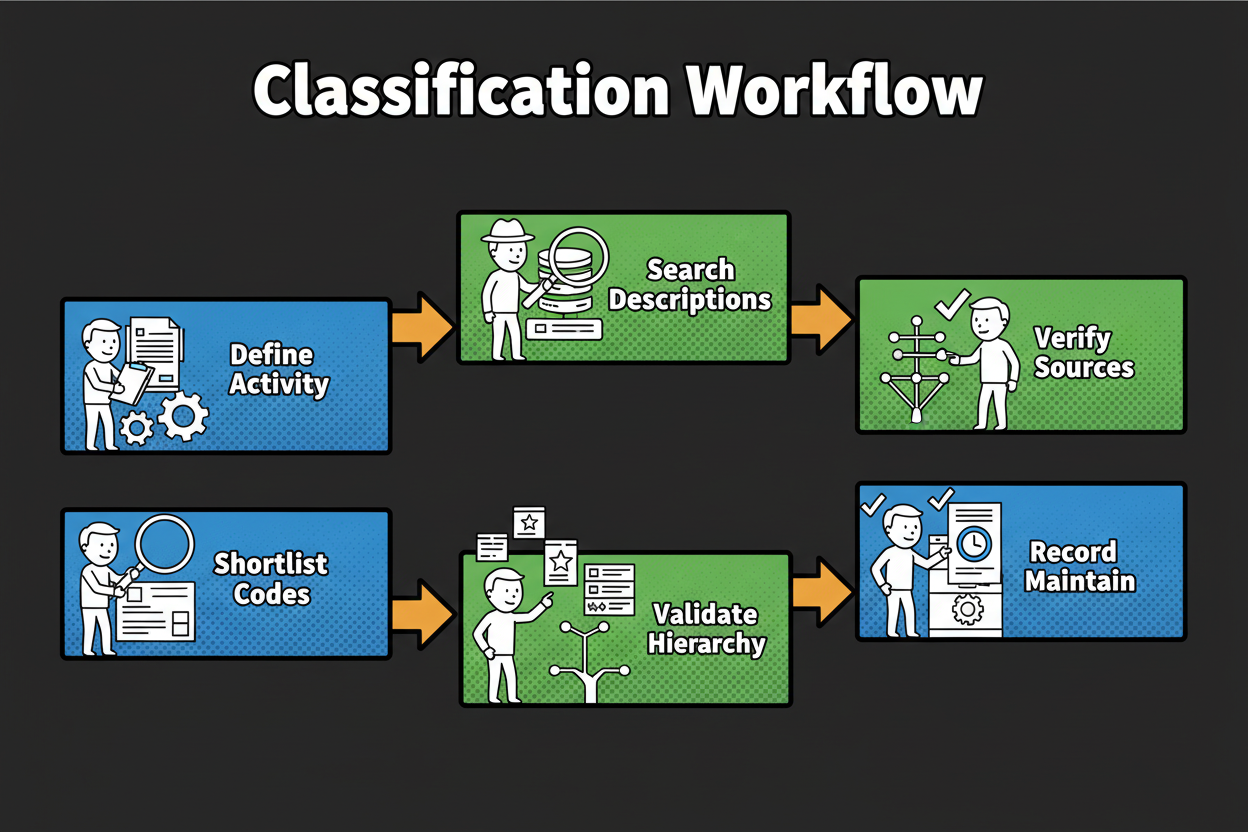
- Describe your main business activity in 1-3 sentences.
- Enter it into the tool.
- Review the top result and confidence score.
- Compare related industries if needed.
- Validate with your primary revenue activity and official descriptions.
Great. Now let’s go a level deeper so you can squeeze maximum accuracy from every search. This takes minutes, and the payoff is a rock-solid naics classification you can trust.
Write a crisp input that speaks the tool’s language
Start with what you actually do, not your title or brand. Use clear verbs and mention the output, your customers, and how you deliver the work. If you can add your main revenue driver, even better.
Use this simple formula: “We [do activity] for [customer] by [method/channel], primarily earning revenue from [driver].”
Here are a few one-liners that work well:
- “We roast coffee beans for independent cafes and sell wholesale by recurring deliveries, primarily earning revenue from bulk orders.”
- “We install residential solar panels for homeowners with on-site crews, primarily earning revenue from installation projects.”
- “We provide marketing strategy consulting to B2B startups via retainers, primarily earning revenue from advisory work.”
Avoid vague inputs like “coffee business” or “we do solar.” If your first try is very short, the tool will still return candidates, but the confidence ranking will improve a lot when you add activity verbs, customers, channels, and your primary revenue source.
How to read your results like a pro
Your output has four parts that matter:
- Primary recommendation: the top NAICS title and code aligned to your description.
- Confidence score: a visible indicator of match strength based on meaning, not just keywords.
- Why this matches: a short explanation calling out the words that drove the match, like install, wholesale, subscription, or e-commerce.
- Related industries: close neighbors that help you compare edge cases without leaving the page.
If the top result’s confidence is high and the explanation lines up with your activity and revenue, you’re likely done. If two top results are close, read the “Why this matches” snippets and ask which one fits your primary revenue activity today.

Example 1: Coffee roaster vs. wholesaler nuance
Input: “We roast coffee beans in-house and sell wholesale to local cafes. Limited direct-to-consumer sales online.”
The tool zeroes in on verbs like roast and sell wholesale. It will typically rank a manufacturing category above wholesale, because roast signals production, and your revenue hint centers on wholesale of your own product. The related industries sidebar often shows coffee wholesaling as a close neighbor if your wholesale volume dominates.
What if the match feels close but not perfect? Refine to: “Most revenue comes from roasting and packaging our own beans; we wholesale to cafes via weekly deliveries.” That revenue sentence helps the confidence score tilt toward manufacturing. If you instead write: “We buy beans from importers and resell to cafes,” the verb buy plus resell will push the recommendation toward wholesale, and manufacturing will drop or move to related industries.
Two tiny changes, big impact:
- Mention if you produce in-house vs. resell. That’s a decisive signal.
- Call out which activity makes most of your revenue. That breaks ties fast.
Example 2: Solar installation with the right trade classification
Input: “We install residential solar panels, provide site assessments, and handle permitting. We don’t manufacture panels.”
The tool picks up install and permitting, which strongly indicate specialized trade contractors. You’ll usually see an electrical or solar-focused trade contractor code on top, with electrical contractors listed as related industries. The phrase don’t manufacture acts as a negative signal that de-emphasizes manufacturing categories.
If you also sell panels as equipment, clarify primary revenue: “Most of our revenue comes from installation services; we also resell panels as part of the project.” The tool will still prioritize installation as primary and keep equipment wholesaling or retail in related industries where they belong for documentation.
Example 3: Consultant using the tool across many clients
If you’re a consultant, you can standardize classification quickly by applying the same input structure across clients. For each client, gather a one-sentence core activity and a short revenue note. Enter both. Save the top recommendation, the confidence score, and the “Why this matches” text in your working file.
You’ll move faster and keep auditable notes. When two clients look similar but serve different customers, that detail will be reflected in the explanation. For instance, “advisory retainers for B2B startups” will tilt toward marketing consulting, while “ad buying and media placement for local retailers” can tilt toward advertising services. That clarity saves back-and-forth with finance or compliance teams.
When to refine your input
If the confidence score is moderate and the top two recommendations tell different stories, it’s time to refine. Add two kinds of detail:
- Your primary revenue driver. Spell it out with “most revenue comes from…”
- Channel and customer. Say online store, storefront, on-site, subscription, B2B, or consumer.
Keep it simple. One added sentence often lifts confidence and clarifies the winner. If your business model is evolving, write the description that reflects the current state, not what you used to do.
Handling complex or multi-activity businesses
Many operations do more than one thing. That’s normal. The rule of thumb is to choose the NAICS code that matches your primary revenue activity, then document secondary or related codes for internal use or for forms that ask for them.
A bakery that manufactures wholesale and also runs a retail counter should decide based on where most revenue comes from. If wholesale production is the main engine, a manufacturing category is likely primary. Keep retail bakery and electronic shopping as secondary references. If seasons change the split, pick the code that best represents your typical or target mix and re-run your description whenever the balance shifts.
The tool helps by showing related industries that mirror your edge cases. Use those to sanity-check what’s just outside your primary scope.
Make your input stronger with the formula
Here’s that practical sentence again. Use it verbatim and fill in the blanks: “We [do activity] for [customer] by [method/channel], primarily earning revenue from [driver].”
A few quick fills:
- “We design and install residential irrigation systems for homeowners with on-site crews, primarily earning revenue from installation projects.”
- “We provide fractional CFO services to funded startups via monthly retainers, primarily earning revenue from advisory engagements.”
- “We pick, pack, and ship third-party products for online sellers via our warehouse, primarily earning revenue from fulfillment fees.”
Each one gives the tool decisive verbs, outputs, customers, and channel. That’s the good stuff for accurate industry classification.
What the confidence score is telling you
Confidence blends meaning-based similarity with real-world signals like decisive verbs, revenue hints, customer type, and delivery channel. High confidence means your words clearly map to one category. Medium confidence usually means two categories look similar and you need a revenue or channel clue to tip the scale. Low confidence often means the input is short or generic.
If you see low confidence:
- Add a verb that reflects the core activity: manufacture, install, wholesale, retail, consult, manage, repair.
- Name the output: coffee beans, software, apparel, solar panels, training.
- Call out the channel: e-commerce, storefront, on-site, subscription.
- State your main revenue driver.
Two to three extra details usually lift the score and sharpen the recommendation.
Interpreting the “Why this matches” explanation
That short line under the result is more than a nice-to-have. It’s your audit trail. It highlights the words that the tool treated as decisive. If you see it emphasize install and permitting, you know it classified you as a contractor for the right reason. If it emphasizes online store and direct-to-consumer, it’s likely recognizing e-commerce retail.
When the explanation and your reality diverge, rewrite your input to reflect what you actually do. If you no longer manufacture, say “we do not manufacture.” If you sell only via wholesale, say “we sell only wholesale.”
Validation checklist
Use this quick checklist before you finalize your naics classification:
- Match the description to your primary revenue stream.
- Compare the “Why this matches” text with your invoices and services.
- Read the official NAICS title and description for the top result.
- Review related industries to ensure none fits better.
- Check a comparable business you know to confirm the direction.
Bringing it all together
By now, you know how to write an input that the tool understands, how to interpret the confidence ranking, and how to use related industries to cover edge cases. You also have a simple way to validate the final pick so it holds up in forms, proposals, and research.
Next up, we’ll put this into action with real-world examples across retail, services, and manufacturing, along with a side-by-side comparison table that shows how inputs translate into accurate NAICS codes and confidence scores.
Real-World Examples: NAICS Classification in Action
You’ve seen how the tool thinks. Now see it work in the wild. These examples show how small wording changes can shift your naics classification, and how the confidence ranking and related industries help you land the right code without guesswork.
Retail: Online boutique selling handmade jewelry
Input a user might enter:
“We sell handmade jewelry directly to consumers through our online store. We design pieces but outsource the metal casting. Most revenue comes from online sales.”
What a manual keyword-only search might suggest and why that can be wrong:
A keyword search fixates on jewelry and handmade. You’ll likely see Jewelry Stores or Jewelry Manufacturing first. It ignores your channel (online) and the fact that production is outsourced, not your primary activity.
Tool’s primary recommendation:
Electronic Shopping (code shown in tool).
Why this matches:
Decisive signals are sell directly, online store, and most revenue comes from online sales. Those point to direct-to-consumer e-commerce. Design is present but casting is outsourced, so manufacturing is not the primary revenue driver.
Related industries and why they appear:
- Jewelry Stores (code shown in tool) because if you operated a physical storefront, this would be the neighbor.
- Jewelry Manufacturing (code shown in tool) because some boutiques fabricate in-house. It appears to help you validate edge cases where production becomes primary.
Services: Fractional CMO and marketing strategy consulting
Input a user might enter:
“I provide marketing strategy and fractional CMO services to B2B SaaS startups, including positioning, go-to-market plans, and ongoing advisory retainers.”
What a manual keyword-only search might suggest and why that can be wrong:
Keywords like marketing and campaigns can push you toward Advertising Agencies. But there’s no ad buying or media placement here. Another common miss is Management Consulting as a catch-all, which is close but broader than your stated focus.
Tool’s primary recommendation:
Marketing Consulting Services (code shown in tool).
Why this matches:
The verbs provide, strategy, and advisory retainers, plus the customer type B2B, signal consulting rather than advertising execution. Go-to-market plans and positioning further support a strategy-first consulting scope.
Related industries and why they appear:
- Management Consulting Services (code shown in tool) because many fractional executives span general management issues. It shows as a neighbor for easy comparison.
- Advertising Agencies (code shown in tool) appears if you mention media buying, which would tilt the match in that direction.
Manufacturing/Hybrid: Custom gaming PCs designed, assembled, and sold DTC
Input a user might enter:
“We design, assemble, and sell custom gaming PCs directly to consumers via our website. Most revenue comes from building systems; accessories are a small share.”
What a manual keyword-only search might suggest and why that can be wrong:
Keywords sell and website trigger Electronic Shopping or Computer and Software Stores. That misses the decisive verbs design and assemble, and it ignores the statement that most revenue comes from building systems.
Tool’s primary recommendation:
Electronic Computer Manufacturing (code shown in tool).
Why this matches:
Design and assemble are strong production verbs. The revenue note most revenue comes from building systems is the tie-breaker that elevates manufacturing above retail. The channel is online, but the primary activity is production, not resale.
Related industries and why they appear:
- Electronic Shopping (code shown in tool) shows up because you sell via your website. It’s useful for validation if your revenue mix shifts toward resale.
- Computer and Software Stores (code shown in tool) appears when customers can buy in-person or when retail dominates.
Contrast: Pure reseller case
Input:
“We resell branded PCs and accessories through our online store, no assembly or custom builds.”
Primary recommendation in this case:
Electronic Shopping (code shown in tool).
Why this matches:
Resell and online store signal retail without production. No assembly is an explicit exclusion cue that pushes manufacturing down.
Construction trade contractor: Residential solar installation
Input a user might enter:
“We install residential solar panels, perform site assessments, and handle permitting. We don’t manufacture panels; most revenue is from installation projects.”
What a manual keyword-only search might suggest and why that can be wrong:
Solar panels can trigger manufacturing results or even power generation categories. None of that reflects your on-site installation work with homeowners.
Tool’s primary recommendation:
Electrical Contractors and Other Wiring Installation Contractors (code shown in tool).
Why this matches:
Install, site assessments, and permitting are contractor verbs. The negative cue we don’t manufacture downgrades production categories. Residential points to household customers, which fits the trade contractor scope.
Related industries and why they appear:
- Other Building Equipment Contractors (code shown in tool) can appear for systems installation adjacent to electrical work.
- Electrical Equipment Wholesalers (code shown in tool) may appear if your input mentions selling components, useful for edge cases where equipment resale grows.
Professional services/IT: ERP implementation, migration, and training
Input a user might enter:
“We help companies implement ERP software, including configuration, data migration, and user training. Most revenue comes from implementation projects; we don’t develop proprietary software.”
What a manual keyword-only search might suggest and why that can be wrong:
The word software can push a keyword search toward Custom Computer Programming or Software Publishers. Training may pull you into Computer Training as primary. Both miss that implementation services and systems integration are your core revenue.
Tool’s primary recommendation:
Computer Systems Design Services (code shown in tool).
Why this matches:
Implement, configuration, and data migration are systems integration verbs. The revenue note puts implementation projects at the center. The phrase we don’t develop proprietary software acts as an exclusion cue against software publishing or heavy programming.
Related industries and why they appear:
- Custom Computer Programming Services (code shown in tool) appears if you write custom modules. It’s a close neighbor for projects with significant coding.
- Computer Training (code shown in tool) shows up due to user training, which is often a secondary service in ERP rollouts.
Side-by-side view: How inputs become confident recommendations
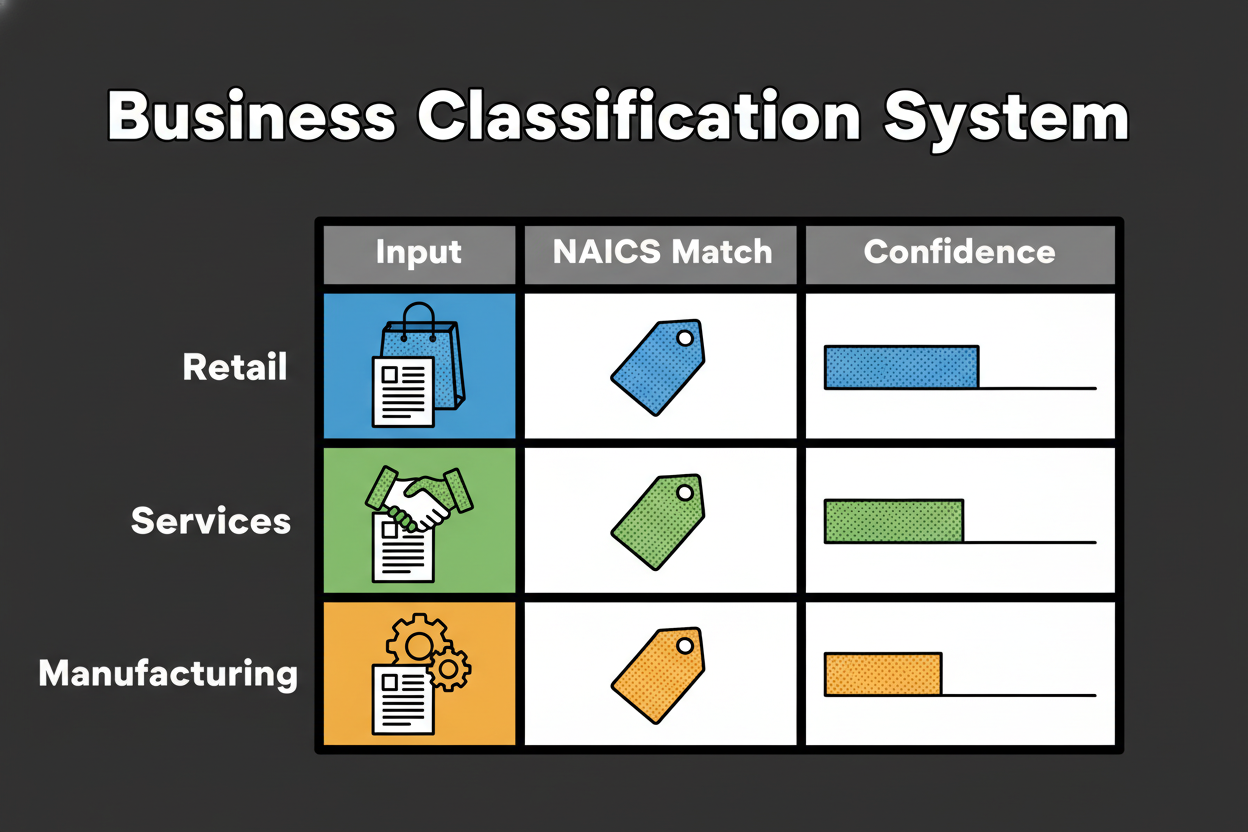
Here’s a quick comparison table to make the signals obvious.
| Input description |
Primary recommendation (title; code shown in tool) |
Confidence |
Key signals/Why this matches |
| “We sell handmade jewelry via our online store; we design but outsource casting. Most revenue is online DTC.” |
Electronic Shopping (code shown in tool) |
High |
Sell directly, online store, DTC channel; outsourced production lowers manufacturing |
| “Fractional CMO providing marketing strategy and advisory retainers for B2B startups.” |
Marketing Consulting Services (code shown in tool) |
High |
Consulting verbs, strategy scope, B2B customers; no ad buying mentioned |
| “We design, assemble, and sell custom gaming PCs on our website; most revenue from building systems.” |
Electronic Computer Manufacturing (code shown in tool) |
Medium-High |
Design, assemble, primary revenue from production; online channel noted but not primary activity |
| “We install residential solar panels and handle permitting; we don’t manufacture.” |
Electrical Contractors and Other Wiring Installation Contractors (code shown in tool) |
High |
Install plus permitting, residential customers; explicit exclusion of manufacturing |
| “We implement ERP software with configuration, migration, and user training; no proprietary development.” |
Computer Systems Design Services (code shown in tool) |
Medium-High |
Implement, configuration, migration; exclusion of software publishing; training as secondary |
What this shows about intent over keywords
Each case turns on a small set of decisive clues: the activity verb, the revenue driver, the channel, and the customer. A keyword-only search pulls you toward the most obvious noun. The tool reads the whole sentence and ranks by meaning. That’s why online store doesn’t automatically mean retail when you also say design and assemble with production revenue. And it’s why solar panels doesn’t equal manufacturing when you clearly install.
Benchmark note vs manual classification
Internal testing will compare the tool’s top-1 and top-3 recommendations against expert-curated codes across a stratified sample of industries [to validate]. The study will also document how often a short refinement like adding most revenue comes from X moves the correct code into the top slot with higher confidence [to validate]. We’ll use these results to continue tuning decisive signals and thresholds.
Lessons learned
- Use decisive activity verbs: manufacture, assemble, install, consult, wholesale, retail. They anchor your naics classification.
- Let your primary revenue driver break ties. If production earns most revenue, manufacturing outranks retail even with an online channel.
- Channel and customer type matter. Online vs storefront, B2B vs consumer help separate close neighbors fast.
- Exclusion cues clarify scope. Say “we don’t manufacture” or “resale only” to push incorrect categories down the list.
- Related industries are your built-in cross-check. Use them to validate edge cases and document secondary activities.
- Multi-activity businesses should choose by the main revenue activity and keep secondary codes for internal records or specific forms.
Putting this together, the fastest path to an accurate result is simple: write what you do, who you do it for, how you deliver it, and what pays the bills. The tool will show a clear primary code, a confidence score you can trust, and related industries that make your decision auditable.
In the next section, we’ll answer the questions users ask most about NAICS codes and the identification tool, including multi-activity scenarios, updates, international use, and how your data is handled.
Frequently Asked Questions: NAICS Classification and the Identification Tool
You’ve seen how inputs turn into confident results. Now let’s clear up the questions that come up most when teams finalize a naics classification.
Q: What if my business doesn’t fit a single NAICS code?
Most businesses do more than one thing. Pick the code that matches your primary revenue activity, then note secondary or related industries for internal use or for forms that specifically ask for them. The tool shows related industries so you can document those edge activities without confusing your primary classification.
Q: My business has two activities that are equal. How should I choose?
When the split is truly 50-50, consider your primary growth strategy and typical project mix, then choose the code that best represents how the market sees you. If seasonality flips the mix, select the category that reflects the most common or target state. Keep the second activity as a documented related industry for reference.
Q: How often are NAICS codes updated, and does the tool stay current?
The NAICS taxonomy is periodically updated. You don’t need to track changes yourself. The tool maintains the current set of titles and descriptions and refreshes its index so your results reflect the latest language without any extra work on your part.
Q: Is this tool suitable for international businesses?
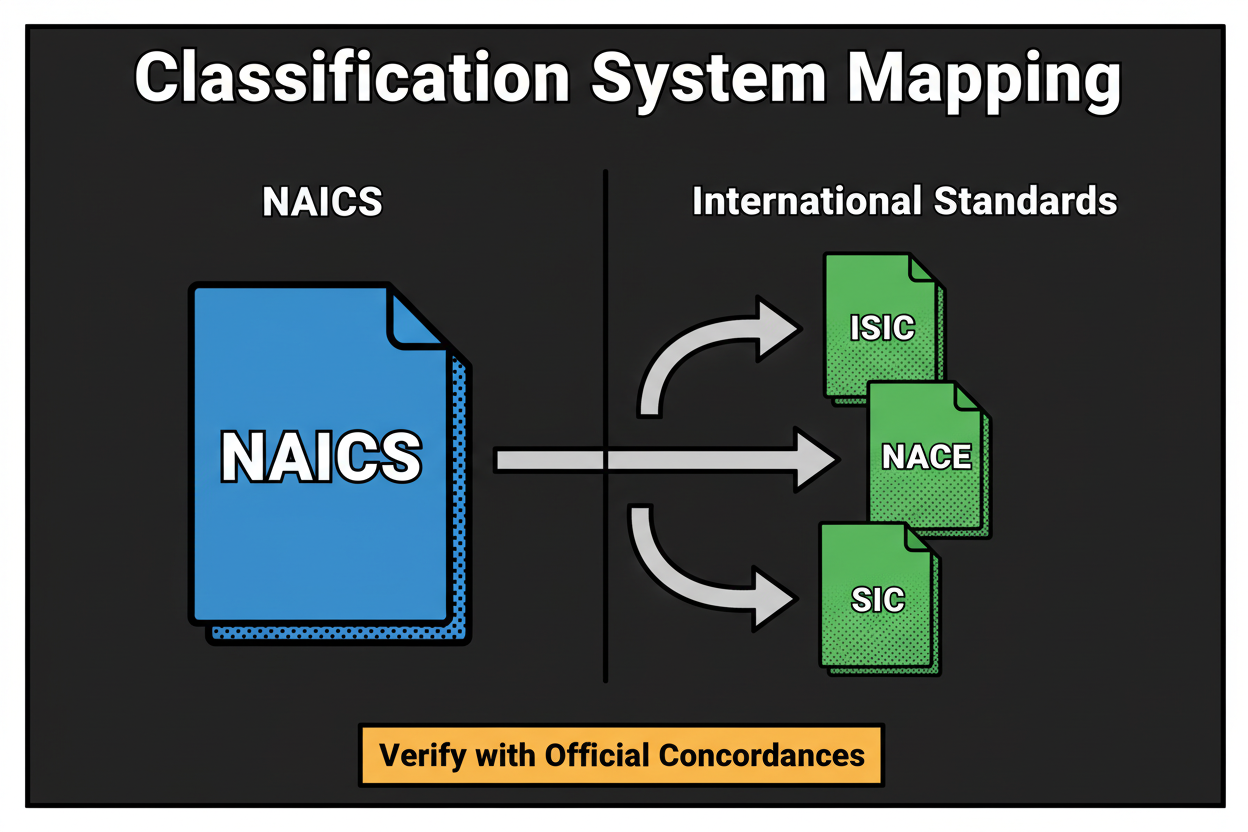
NAICS is a North American industry classification. If you operate outside this region, you can still use the tool to find the closest equivalent activity, then compare that outcome to your local classification system. The meaning-based explanation and related industries help you map across systems with clarity.
Q: How is my data handled, and is it secure?
Your description is processed to deliver recommendations and confidence-ranked results. We follow a privacy-by-design approach, do not sell your submitted text, and may use aggregated, anonymized usage data to improve matching quality. For retention and deletion options, review the privacy details provided in the product interface.
Q: Can I select more than one NAICS code?
Most organizations choose one primary code. Some forms request multiple codes or additional detail, which is where your secondary and related industries come in. Use the primary for your main identification and keep a short list of secondaries for documentation and specific requests.
Q: How do I validate my result before using it on forms?
Compare the top recommendation’s description to your primary revenue activity, then read the “Why this matches” explanation and verify it against your invoices or service lines. Check the related industries to see if any better reflect what actually pays the bills. If your model has changed, rewrite your input to match the current state and re-run it.
Q: When should I get professional help?
If your operations are highly regulated, if mergers created a complex multi-entity structure, or if stakeholders cannot align on the primary activity, it can be smart to consult an advisor. Bring your tool results, confidence scores, and explanations to that conversation to make the review faster and more precise.
Why Accurate NAICS Classification Matters: Compliance, Funding, and Strategic Insights
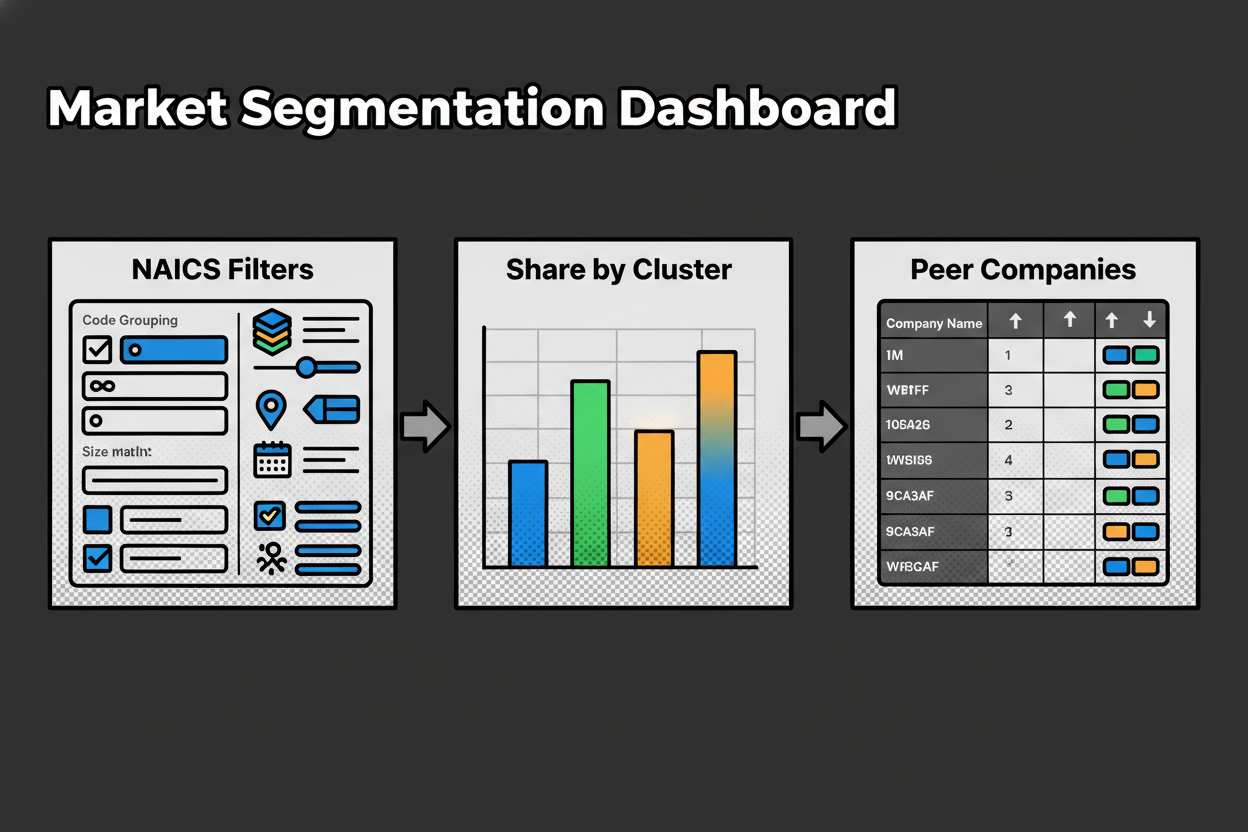
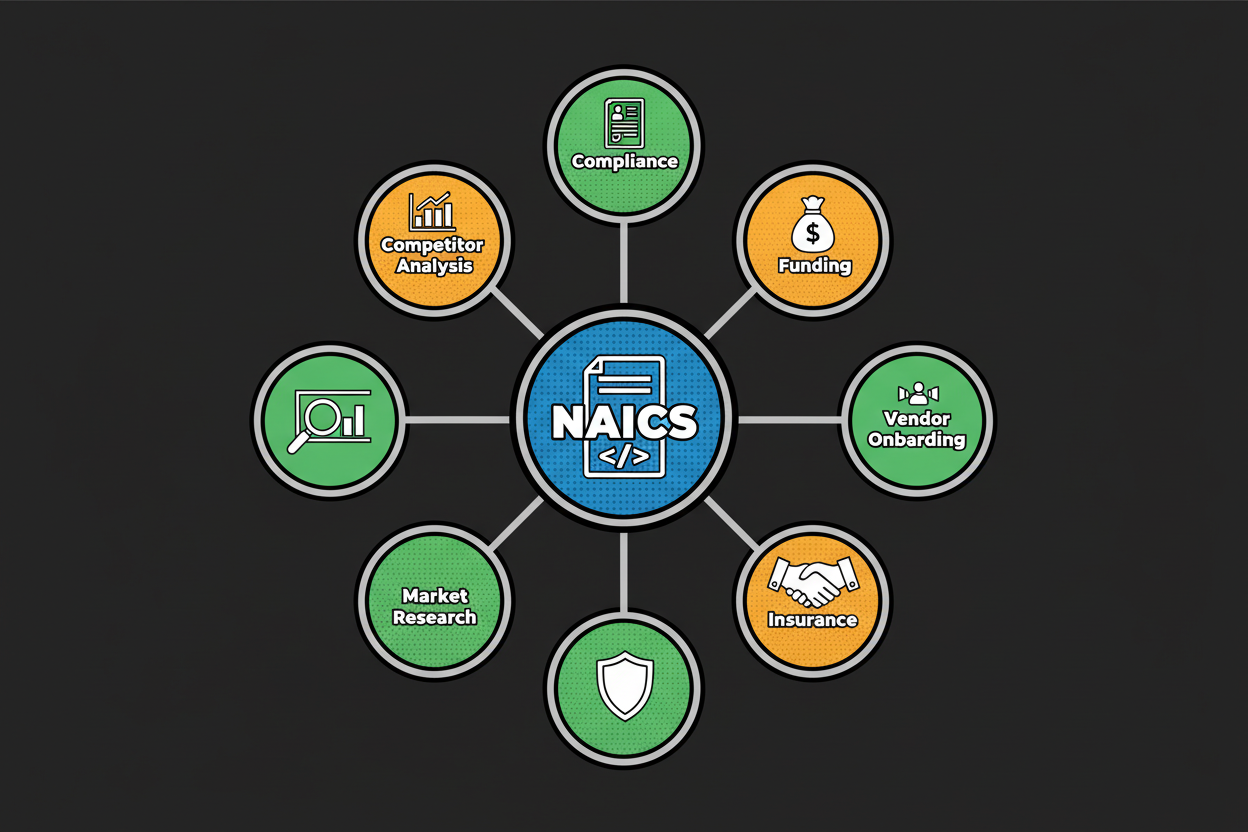
NAICS shows up in more places than most teams realize. You’ll see it on registration and reporting forms, vendor onboarding questionnaires, and procurement portals. Researchers and analysts also use naics classification to segment markets, estimate demand, and benchmark competitors.
Accuracy matters because small differences in language can change how others interpret your business. A production-heavy shop classified as retail might get routed to the wrong vendor category. A contractor classified as manufacturing might miss opportunities that filter for trade services.
Funding and grants often use NAICS as an eligibility filter. If your code doesn’t match the program’s target segment, your application can be screened out before anyone reads it [to validate]. Insurance and risk pricing can also be influenced by how your activities are labeled. If you pick a category with a different risk profile, you could face mispriced premiums or extra review.
Strategy benefits too. Clean industry classification feeds better market sizing, competitor sets, and benchmarking studies. If your code is off, it can skew comparisons and lead to the wrong conclusions about share, growth rates, or pricing.
Here’s a short, realistic story. A small firm that implements ERP systems classified itself under custom programming because it occasionally built connectors. A grant for digital transformation services filtered for systems design and integration, not programming. The application never made it to the next round. After reviewing the actual revenue mix and reclassifying to a systems design category, the firm aligned with future opportunities and moved through vendor onboarding faster. No promises, just a clear path unlocked by accurate labeling.
So how does the tool reduce risk? It focuses on meaning, not just keywords, and ranks results by decisive signals like activity verbs, revenue drivers, channels, and customer types. It also shows related industries, which act like a built-in second opinion. And it nudges you to validate by comparing the recommendation to your primary revenue stream and official descriptions. Those checks help you avoid common pitfalls where similar-sounding categories describe very different economic activities.
If you want a quick mental model, think of NAICS as the label others use to route you correctly. Getting the label right saves back-and-forth, avoids misfits in databases, and increases your odds of landing on the right lists for grants, RFPs, or vendor approvals.
To make this practical, keep these points in mind:
- Classify by what primarily generates revenue, not by what sounds most prestigious.
- Use channel and customer signals to separate close neighbors.
- Add explicit exclusion language if you do not perform a common related activity.
- Re-run your description when your business model evolves.
- Document secondary codes for forms that request more detail.
A final note on metrics: several organizations publish statistics about how often NAICS is requested on applications and how many businesses misclassify themselves. We will include vetted figures once sourced [to validate]. The core guidance here remains evergreen, with or without specific percentages.
Get Started: Instantly Identify Your NAICS Code with Confidence
You’re one step away from clarity. Classifast turns your plain-language description into a confident, audit-ready naics classification in seconds. You get a ranked primary recommendation, a clear “Why this matches” explanation, and related industries to double-check edge cases.
Here’s the simple plan. Write one to three sentences using the formula on this page, paste it into the tool, and review the top match and confidence score. If two results are close, use your primary revenue activity as the tie-breaker and scan the related industries for sanity-checking. Save the output for your records so you can reuse it on forms, vendor portals, and grant applications.
If you help multiple clients, run each description through the tool, and keep the confidence score with a short note about decisive signals. That creates a repeatable process your finance or compliance team can trust.
“Classifast gave us a precise code and the reasoning behind it. We finished vendor onboarding in one pass and saved hours of guesswork” [to validate].
Try it now. Enter your description, get your code, and move on with confidence. Bookmark this page so you can re-run your input as your business evolves, and share it with colleagues who need a faster, clearer way to classify their work.
Key Takeaways
- Write a strong input using clear verbs, outputs, customers, and channel.
- Choose your primary code by the main revenue activity, not by title.
- Use related industries to validate edge cases and document secondaries.
- Read the “Why this matches” explanation to confirm decisive signals.
- Add exclusion cues like “not manufacturing” to push wrong categories down.
- Sanity-check against official descriptions and your invoices before filing.